
Wi-Fi 6E is the newest extension of the Wi-Fi 6 standard, and it promises faster speeds, lower latency, and less congestion for your connected devices. But what exactly makes it different from Wi-Fi 6, and do you need to upgrade?
In this article, we break down what Wi-Fi 6E is, how it differs from Wi-Fi 6, and what those differences mean for your home or office network. By the end, you’ll know whether Wi-Fi 6E is worth adopting now or if your current Wi-Fi 6 setup is still sufficient.
Introduction
If you have shopped for a router or a new laptop recently, you have probably seen the term Wi-Fi 6E. It looks like a small variation on Wi-Fi 6, but that single letter stands for a substantial technical shift. Wi-Fi 6E is not simply a faster version of Wi-Fi 6; it is the same underlying wireless standard operating in a newly opened, much wider band of radio spectrum. That difference matters because spectrum — the range of radio frequencies available for communication — is the raw material of every wireless connection. When more spectrum is available, devices have more room to spread out, suffer less interference, and deliver higher speeds with lower latency.
This article explores What Is Wi-Fi 6E and How Is It Different From Wi-Fi 6 with clear, practical guidance. Rather than getting lost in marketing language, we will look at what actually changes in your home or office, when an upgrade makes sense, and when it does not. Understanding the fundamentals of What Is Wi-Fi 6E and How Is It Different From Wi-Fi 6 helps you make informed decisions, whether you are replacing an aging router, buying a new phone, or planning a network for a small business.
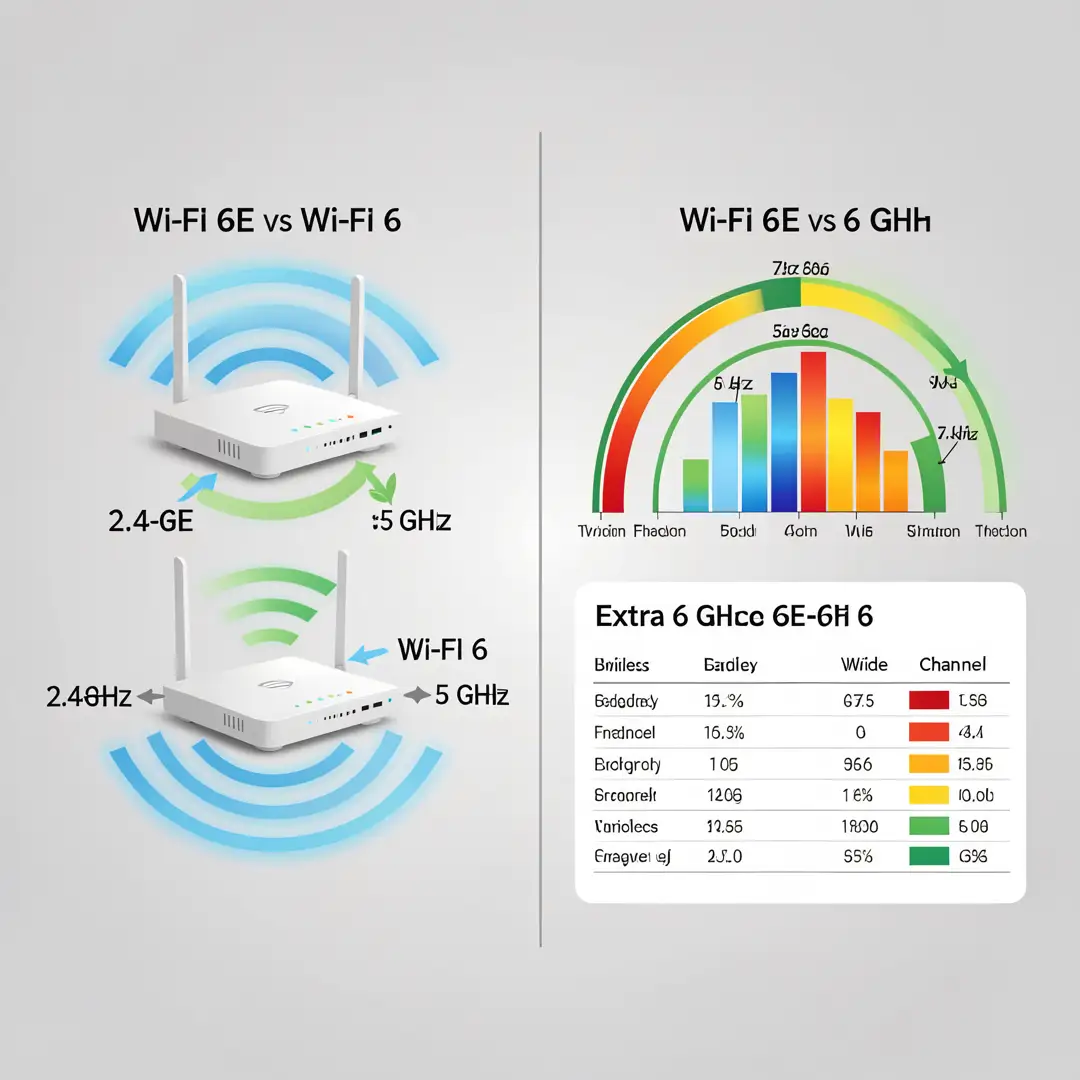
The short version: Wi-Fi 6 operates in the 2.4 GHz and 5 GHz bands. Wi-Fi 6E does everything Wi-Fi 6 does but adds access to the 6 GHz band. That added band is wider, cleaner, and largely free of legacy devices, which translates into tangible real-world benefits. The rest of this guide unpacks what that means for you.
Key Concepts
To compare Wi-Fi 6E and Wi-Fi 6 accurately, you need a handful of core ideas. These terms come up constantly in product listings, so knowing them makes you a sharper shopper and a more effective network planner.
Wi-Fi generations and naming
The Wi-Fi Alliance simplified naming a few years ago. Instead of technical labels like 802.11ax, we now use simple generation numbers. Wi-Fi 6 is 802.11ax. Wi-Fi 6E is technically an extension of 802.11ax into the 6 GHz band, not a separate protocol. Wi-Fi 7, the next generation, builds on the same foundation with further enhancements. The key point is that Wi-Fi 6E devices are fully backward compatible with Wi-Fi 6 and older networks; they simply gain extra capacity when paired with a 6E router.
Radio frequency bands
Wi-Fi traditionally uses two bands. The 2.4 GHz band travels far and penetrates walls well but is crowded and slow. The 5 GHz band is faster but has shorter range. Wi-Fi 6E adds the 6 GHz band, which offers a large block of contiguous spectrum — far more than the other two bands combined. More spectrum means more channels, wider channels, and less overlap between neighboring networks.
Channels and channel width
A channel is a slice of spectrum a device uses to transmit. Wider channels carry more data but are harder to fit in a crowded band. In the 5 GHz band, wide 160 MHz channels are often impossible because other networks occupy the space. In the 6 GHz band, those wide channels are routinely available, which is a primary source of Wi-Fi 6E’s performance advantage.
Interference and congestion
Interference happens when multiple devices or networks use overlapping frequencies, forcing them to wait and slow down. The 6 GHz band is essentially a clean slate because older devices cannot operate there. This reduced congestion is often more noticeable than raw speed gains, especially in apartment buildings and dense offices.
- Wi-Fi 6: 2.4 GHz and 5 GHz bands; broad device compatibility.
- Wi-Fi 6E: adds 6 GHz; same protocol, more spectrum, cleaner airwaves.
- Backward compatibility: 6E devices work on older networks, and older devices still work on 6E routers.
- Range vs. speed: 6 GHz favors speed and capacity at closer range; 2.4 GHz still wins for distance.
Deep Dive
Now that the vocabulary is clear, let us examine how Wi-Fi 6E actually differs from Wi-Fi 6 in practice, and where those differences show up.
The spectrum difference is the whole story
At its core, Wi-Fi 6E is Wi-Fi 6 plus the 6 GHz band. Everything else — the modulation scheme, the ability to handle many devices efficiently, the target wake time feature that saves battery — is identical. So when you compare the two, you are really comparing available spectrum. Wi-Fi 6 uses roughly 500 MHz of usable spectrum across 2.4 and 5 GHz. Wi-Fi 6E adds around 1,200 MHz in the 6 GHz band. That is more than double the total, and it is far less fragmented.
Speed and capacity in real conditions
In ideal lab conditions, both standards can reach impressive peak rates. In real homes and offices, results depend on congestion, distance, and device capabilities. Because 6 GHz allows wide 160 MHz channels without competing for space, a Wi-Fi 6E device on a 6E router often sustains higher throughput than a Wi-Fi 6 device on 5 GHz. More importantly, that throughput holds up better when many devices are active, because the network can spread them across more channels.
Latency and responsiveness
Latency — the delay before data starts moving — improves primarily because of reduced contention. When fewer devices fight over the same airtime, packets move more predictably. For video calls, cloud gaming, and remote desktop work, this consistency often feels more valuable than a higher speed number. Wi-Fi 6 already improved latency handling with scheduled transmissions, but 6E’s clean spectrum amplifies the benefit.
Range and wall penetration trade-offs
Higher frequencies generally travel shorter distances and penetrate obstacles less effectively. The 6 GHz band is no exception. A 6E router may cover slightly less area on 6 GHz than on 5 GHz at the same power. In practice, this means 6E shines in the same room or across open space, while 2.4 GHz and 5 GHz still handle far corners and through-wall coverage. Good 6E routers manage this with automatic band steering, moving each device to the best band.
Device and router requirements
To use 6 GHz, both the router and the client device must support it. A Wi-Fi 6E laptop connected to a Wi-Fi 6 router will simply use 5 GHz. A Wi-Fi 6 phone connected to a 6E router will also use 5 GHz or 2.4 GHz. You need 6E on both ends for the full benefit. This is why upgrading a router without upgrading at least some devices yields only partial gains.
Who benefits most
- Dense living situations: apartments and townhomes with many competing networks.
- High-bandwidth households: multiple 4K streams, large file transfers, and video conferencing.
- Small businesses: offices with many laptops, phones, and IoT devices competing for airtime.
- VR and gaming users: where low, consistent latency matters more than peak speed.
By contrast, a single user in a detached house with few neighboring networks may see little difference between a good Wi-Fi 6 setup and a 6E one. Reliable information and consistent habits lead to better long-term outcomes, and that includes knowing when to hold off on an upgrade.
Step-by-Step: Putting This Knowledge to Work
Step 1: Understand the fundamentals
Confirm the basic distinction before spending money. Wi-Fi 6E is Wi-Fi 6 plus the 6 GHz band. Write down what you actually need: more speed, better reliability under load, lower latency, or simply future-proofing. Knowing which problem you are solving prevents you from overbuying features you will not use.
Step 2: Assess your starting point
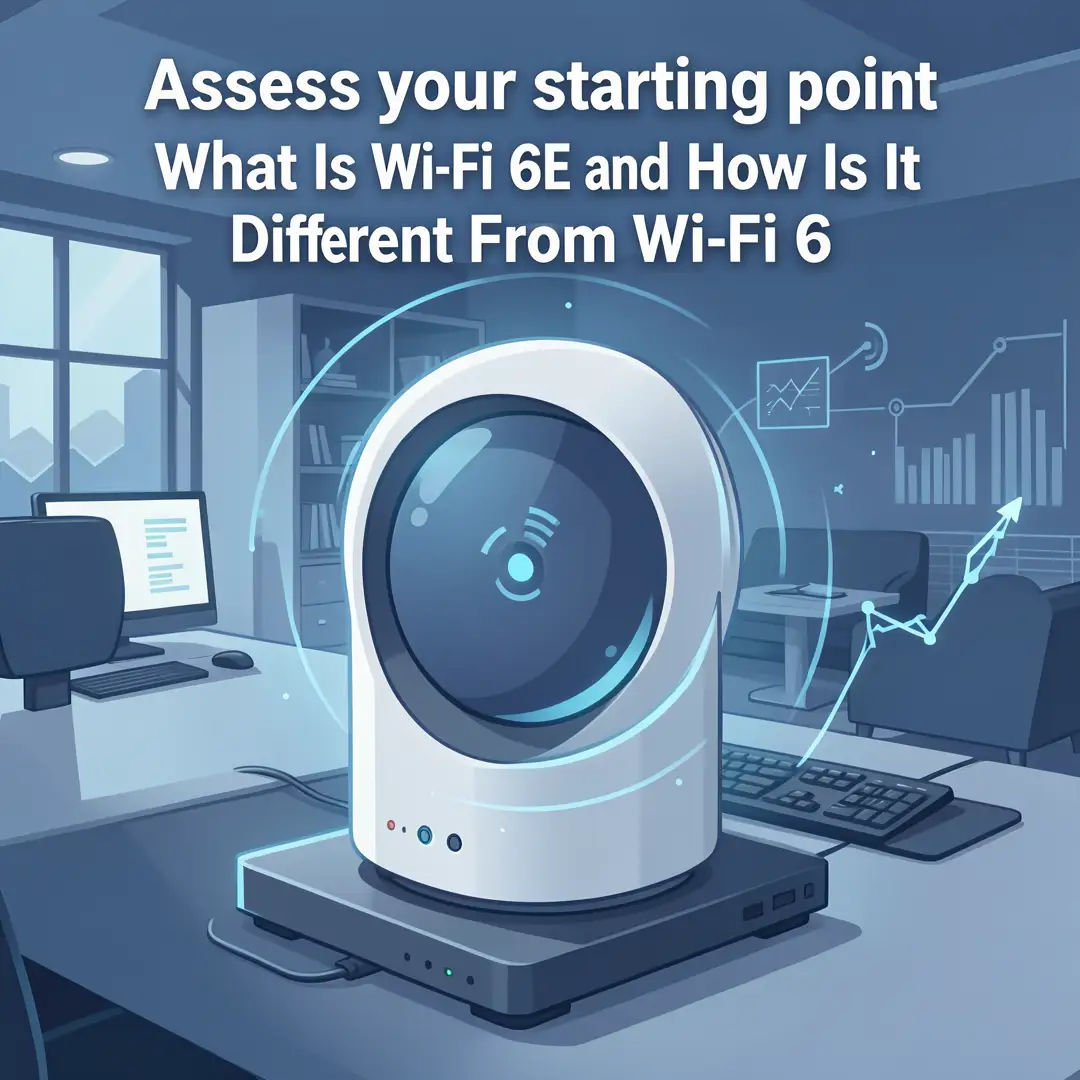
Check what you currently own. Look up your router model and your devices’ specifications to see which Wi-Fi generation they support. Run a speed test from a few rooms and note where performance drops. If your bottleneck is an old router or a distant room, the fix may be a better router or a mesh system rather than 6E specifically. Inventory how many devices connect simultaneously, since congestion is often the real issue.

Step 3: Set clear goals
Translate your needs into specific targets. Examples: eliminate video call stutter in the home office, support four simultaneous 4K streams, or give every employee a stable connection in a 20-person office. Specific goals let you measure success and justify the cost. Vague goals like “faster internet” make it impossible to know whether an upgrade actually helped.
Step 4: Gather necessary resources
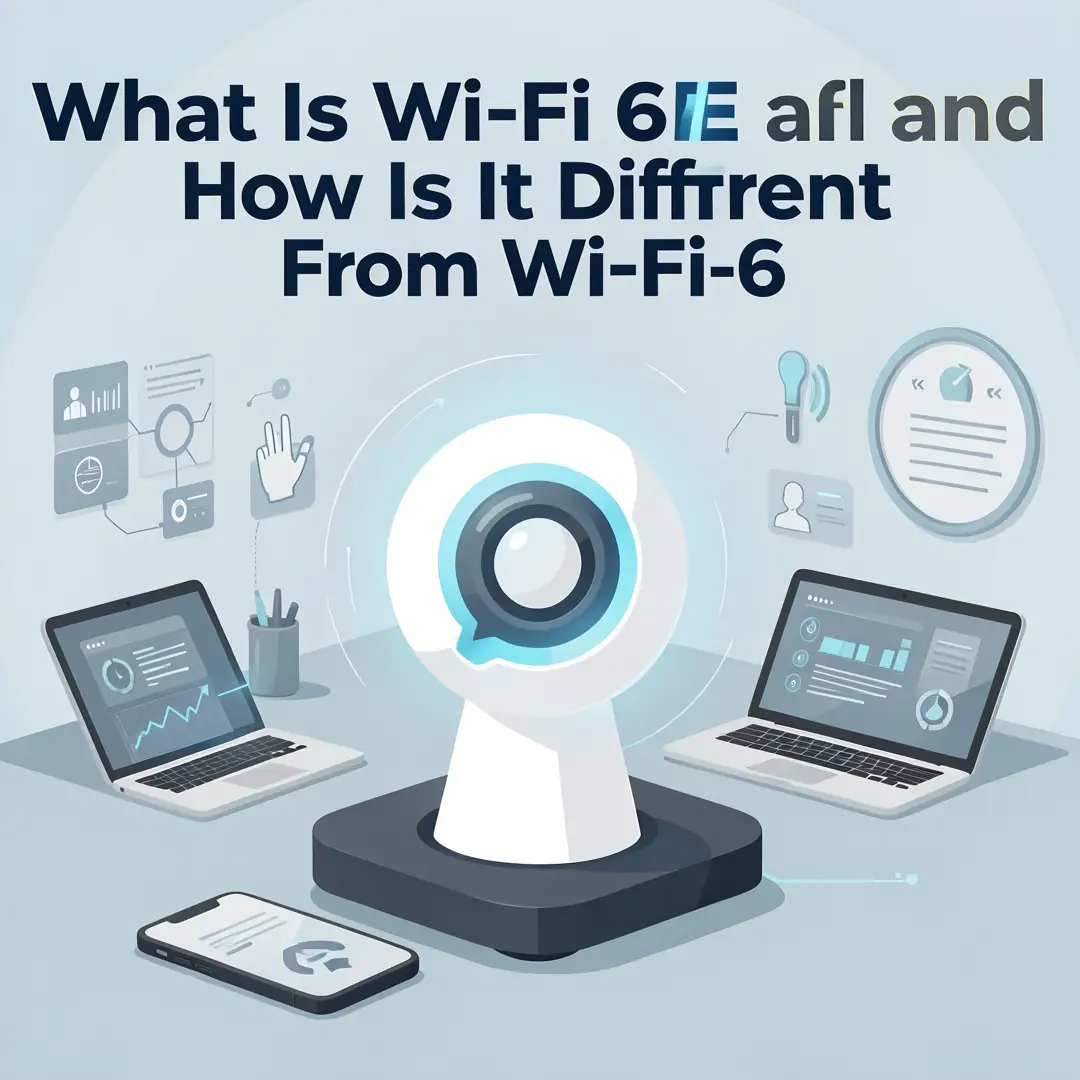
Decide on budget and equipment. You may need a Wi-Fi 6E router or mesh system, and at least some 6E-capable client devices to see the full benefit. Check your internet plan, because a 6E router cannot exceed the speed your provider delivers. Gather login details for your current router, a device for testing, and a plan for where the router will sit — central placement still matters more than any single spec.
Step 5: Apply the core methods
Set up the new equipment and enable all three bands with automatic band steering. Give the 6 GHz network a distinct name if you prefer manual control, and connect your highest-demand devices to it. Update router firmware, enable WPA3 security, and use the 2.4 GHz band for smart home gadgets that need range. Keep channels on auto so the router can avoid interference, and place the router high and central, away from metal and microwaves.
Step 6: Monitor your progress
After a week, retest speeds and latency in the same locations you measured before. Check the router app for which devices landed on which band. If a critical device is stuck on 5 GHz, move it manually to 6 GHz if it supports it. Revisit your goals: if calls are stable and streams no longer buffer, the upgrade worked. If not, adjust placement or consider adding a mesh node. Consistent monitoring turns a one-time purchase into an ongoing improvement.
Best Practices
Getting the most from Wi-Fi 6E is less about exotic tricks and more about consistent habits. These practices apply whether you run a home network or a small office.
- Upgrade both ends: prioritize 6E for the devices that generate the most traffic, such as laptops and phones, since a 6E router alone gives partial benefits.
Keep the router central and elevated: 6 GHz range is shorter, so placement has an outsized.
You now have a solid foundation for What Is Wi-Fi 6E and How Is It Different From Wi-Fi 6. Apply the best practices above and revisit this guide as your needs evolve.