
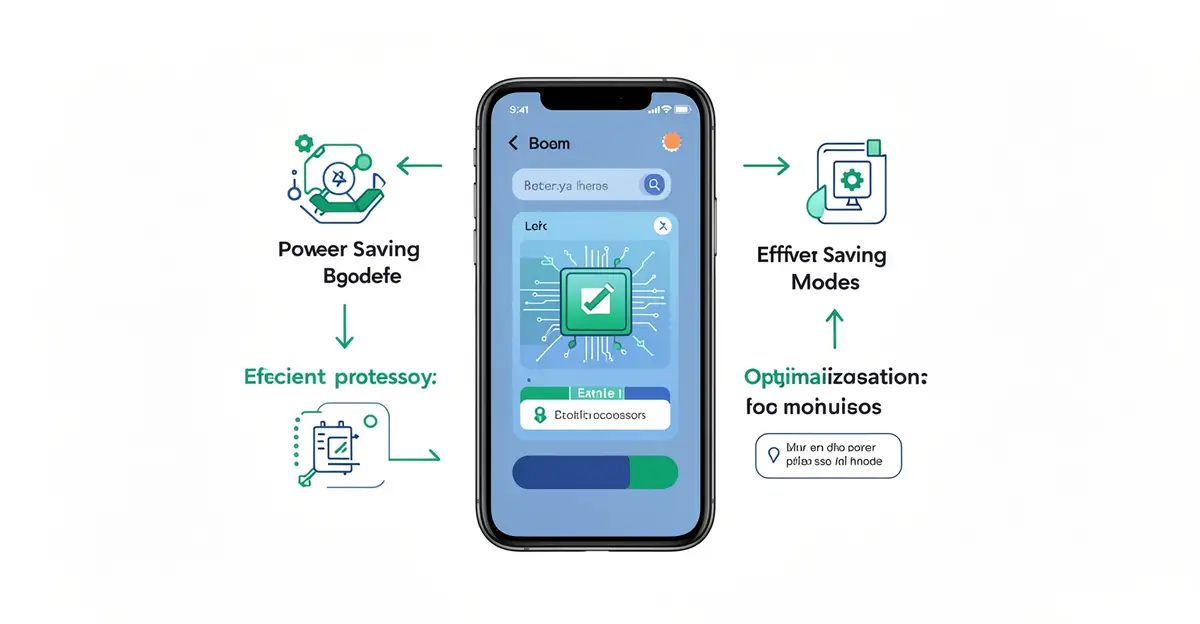
Your smartphone packs incredible power, but that brilliant display, 5G connection, and constant app activity all compete for the same limited battery. Understanding how modern smartphones manage battery life is the key to staying connected longer instead of hunting for a charger by mid-afternoon.
In this guide, we break down the clever hardware and software behind today’s power efficiency—from adaptive displays to intelligent background limits—and share simple, practical steps you can take to squeeze more hours out of every single charge.
Introduction
Few things inspire more modern anxiety than watching a smartphone battery percentage tick downward. A device that lasted two days a decade ago now struggles to reach bedtime, even though battery technology has improved. The difference is that smartphones today do far more: they run bright high-refresh-rate displays, maintain constant cellular and Wi-Fi connections, track location, process photos with machine learning, and juggle dozens of background apps. Managing all of that demand is the job of the phone’s battery management system, a combination of hardware, firmware, and software working together in real time.
This article explores How Modern Smartphones Manage Battery Life with clear, practical guidance. You will learn the core mechanisms phones use to stretch each charge, how charging habits affect long-term battery health, and what settings and behaviors actually make a measurable difference. Understanding the fundamentals of How Modern Smartphones Manage Battery Life helps you make informed decisions, whether you are buying a new phone, troubleshooting rapid drain, or trying to make your current device last another two years. Reliable information and consistent habits lead to better long-term outcomes, and battery care is a perfect example: small, steady choices compound into significantly longer battery lifespan and better day-to-day endurance.
Key Concepts
Before diving into settings and habits, it helps to understand the vocabulary and mechanics that phone manufacturers and repair technicians use. These concepts explain why your phone behaves the way it does.
Lithium-ion chemistry and degradation
Nearly every modern smartphone uses a lithium-ion battery. These batteries store energy by moving lithium ions between two electrodes. Every full charge and discharge cycle causes a tiny, permanent reduction in capacity. Manufacturers typically rate a phone battery to retain about 80 percent of its original capacity after 500 full charge cycles. However, heat and high voltage accelerate this decline, which is why keeping a phone cool matters as much as how often you charge it.
Charge cycles and partial charging
A charge cycle is not the same as plugging in. One cycle equals using 100 percent of the battery’s capacity, whether in one sitting or across several partial top-ups. Charging from 50 to 100 percent twice counts as one cycle. This is why partial charging is fine, and why the old advice to fully drain a battery before recharging no longer applies to modern lithium-ion cells.

The battery management system (BMS)
The BMS is a small circuit and firmware package inside the phone that constantly monitors voltage, current, and temperature. It prevents overcharging, cuts power if the battery gets too hot, balances cells, and reports the battery percentage you see on screen. The percentage itself is an estimate, not a direct measurement, which is why it can jump or stall under heavy load.
Power delivery and fast charging
Fast charging works by negotiating a higher voltage or current between the charger and the phone. The BMS limits how much power enters the battery, especially above 80 percent, to reduce stress. This is why charging from 0 to 50 percent is much faster than from 50 to 100 percent, and why the last 20 percent often feels painfully slow.
Adaptive and intelligent charging
Most modern phones learn your routine. If you charge overnight and wake at 7 a.m., the phone may charge to 80 percent quickly, then pause and finish to 100 percent just before your alarm. This reduces the time the battery spends at a high state of charge, which is one of the biggest drivers of long-term wear.
Deep Dive
Now that the vocabulary is clear, let’s look at how phones actually manage battery life moment to moment, and where the biggest drains come from.
Display: the single largest drain
The screen typically consumes the most power of any component. Brightness, refresh rate, and resolution all matter. A phone at maximum brightness with a 120 Hz refresh rate can draw two to three times more power than the same phone at 30 percent brightness and 60 Hz. Modern phones counter this with adaptive brightness, which uses an ambient light sensor to adjust levels automatically, and adaptive refresh rate, which drops to 10 Hz or 1 Hz when the screen is static.
Processors and efficiency cores
Modern smartphone chips use a big.LITTLE or similar architecture: a few high-performance cores for demanding tasks and several efficiency cores for background work. The operating system schedules tasks intelligently, keeping light work on the efficiency cores. When you play a game or edit video, the phone wakes the powerful cores, which consume far more power. This is why heavy gaming drains a battery roughly four to six times faster than reading an e-book.
Radios: cellular, Wi-Fi, Bluetooth, and GPS
Radios are the second-largest drain. A weak cellular signal is especially costly because the phone increases transmit power to maintain the connection. Wi-Fi generally uses less power than cellular data for the same task. GPS and location services are power-hungry but usually brief. Bluetooth Low Energy, used for wearables and headphones, is efficient, though constant scanning for devices adds up.
Background activity and app behavior
Apps can run in the background to fetch email, sync photos, or deliver notifications. Modern operating systems restrict this aggressively. iOS and Android both use app standby buckets, background execution limits, and push notifications instead of constant polling. Still, a single misbehaving app can keep the phone awake and destroy standby time. Checking battery usage by app is the fastest way to find the culprit.
Thermal management
Heat is the enemy of both immediate performance and long-term battery health. Phones use graphite sheets, vapor chambers, and software throttling to dissipate heat. When a phone gets hot, it may reduce screen brightness, slow the processor, or limit charging speed. Charging while gaming or navigating in direct sunlight combines two heat sources and accelerates wear.
Standby drain and doze modes
When the screen is off and the phone is still, Android enters Doze and iOS enters a similar low-power state. Background activity is deferred, radios idle, and the phone sips power. Frequent movement, notifications, or a poor signal can break these states and cause noticeable overnight drain. A healthy phone should lose only 1 to 3 percent overnight in airplane mode or with good signal.
Best Practices
Theory is useful, but habits and settings are what actually extend battery life. The following practices are ranked roughly by impact.
- Keep the battery between 20 and 80 percent when convenient. Lithium-ion cells are happiest in the middle range. You do not need to obsess, but avoiding constant 100 percent and 0 percent states reduces stress.
- Enable optimized or adaptive charging. Both iOS and Android offer settings that delay the final charge to 100 percent until you need it. Turn these on.
- Reduce screen brightness and use adaptive brightness. Lowering brightness by 30 percent can add an hour or more of screen-on time.
- Limit high refresh rate when battery matters. Switching to 60 Hz in battery saver mode is a quick win on long days.
- Avoid extreme temperatures. Never leave a phone on a dashboard in summer or charge it in direct sun. Heat damage is cumulative.
- Use Wi-Fi when available. It is usually more power-efficient than a weak cellular signal.
- Audit background app refresh. Disable it for apps you do not need to update constantly.
- Turn off unnecessary radios. If you are not using Bluetooth or location, turn them off, though modern phones manage them well enough that this is a minor gain.
- Update your operating system and apps. Updates frequently include power-efficiency fixes and better background management.
- Use battery saver or low power mode strategically. These modes reduce background activity, limit visual effects, and can add hours when you need them most.
- Charge with quality chargers and cables. Cheap accessories may not negotiate safe charging profiles and can generate excess heat.
- Replace the battery when health drops below 80 percent. A worn battery not only drains faster but can also cause unexpected shutdowns.
Step-by-Step: Taking Control of Your Battery Life
If you want to move from general awareness to a concrete improvement plan, follow these steps in order. Each one builds on the last.
Step 1: Understand the fundamentals
Start by learning what actually drains your battery and what damages it over time. Review the Key Concepts section above: charge cycles, heat, screen power, and background activity. Without this foundation, it is easy to chase myths, like believing that closing all apps saves power (it often does the opposite) or that overnight charging ruins batteries (modern phones manage this). A clear mental model helps you evaluate every tip you encounter.
Step 2: Assess your starting point
Check your phone’s battery health report. On iPhone, go to Settings, Battery, Battery Health and Charging. On Android, the path varies, but most phones show battery usage and sometimes battery health in Settings under Battery or Device Care. Note your current maximum capacity, daily screen-on time, and which apps consume the most power. Also note your charging routine: do you charge overnight, top up at your desk, or run the battery to zero? This baseline tells you where to focus.
Step 3: Set clear goals
Decide what success looks like. Do you want to end the day above 30 percent? Extend battery health so the phone lasts another two years? Reduce overnight standby drain to under 5 percent? Write down one or two measurable goals. Vague intentions like “better battery life” are hard to track, while “eight hours of screen-on time” or “keep battery health above 85 percent for a year” give you something to aim for.
Step 4: Gather necessary resources
You do not need much, but a few tools help. Make sure you have a reliable charger and cable, ideally the one that came with the phone or a reputable equivalent. Know where your phone’s battery settings live, including battery saver, adaptive charging, and per-app background restrictions. If your phone supports it, enable battery health monitoring. Finally, identify a way to track usage, such as the built-in battery usage screen or a trusted third-party app.
Step 5: Apply the core methods
Now put the Best Practices into action. Turn on adaptive charging. Lower your brightness and enable.
You now have a solid foundation for How Modern Smartphones Manage Battery Life. Apply the best practices above and revisit this guide as your needs evolve.