
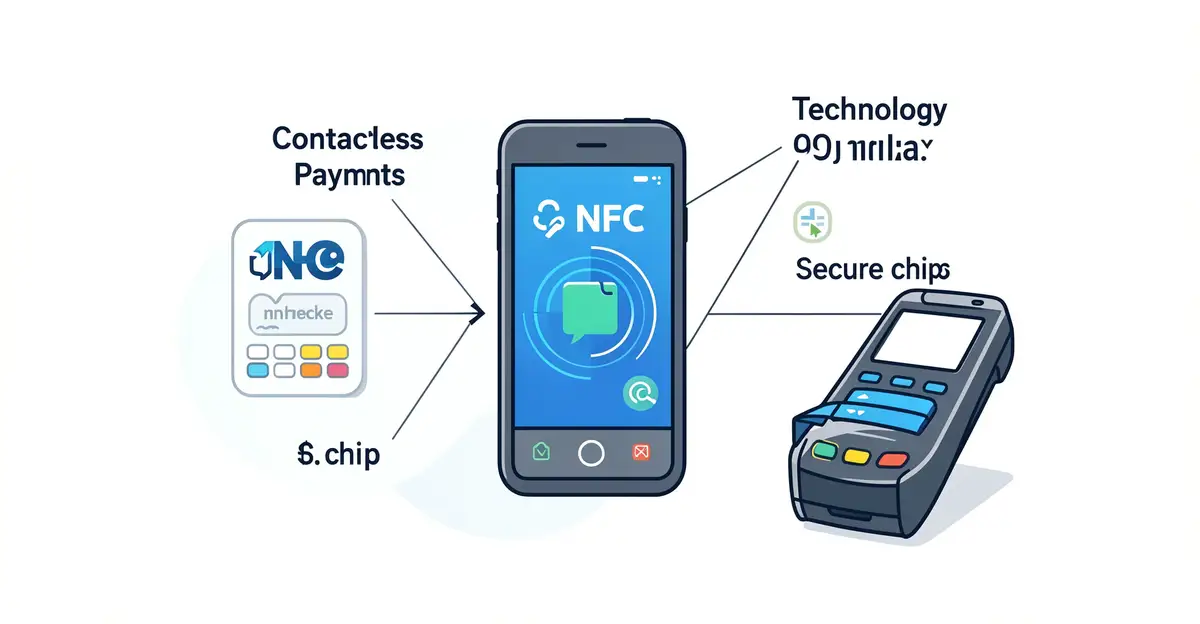
Contactless payments have become a normal part of everyday life — a quick tap of a card or phone and the transaction is done in seconds. But behind that effortless gesture is a surprisingly sophisticated system of wireless communication, encryption, and tokenization working together to keep your money and data safe.
Understanding the technology behind contactless payments helps you use them with confidence and spot the myths that surround them. In this article, we break down how near-field communication (NFC) works, why tokenization matters, and what actually happens between your device and the terminal at checkout.
Introduction
Contactless payments have become a normal part of everyday life. You tap a card or hold a phone near a terminal, hear a small beep, and the transaction is done in seconds. What looks effortless on the surface is actually the result of decades of engineering, standards development, and security research. This article explores The Technology Behind Contactless Payments with clear, practical guidance. By the end, you will understand how the system works, why it is secure, and how to use it confidently.
The rise of contactless technology is not just a convenience story. It reflects a broader shift in how value moves between people, merchants, and banks. Understanding the fundamentals of The Technology Behind Contactless Payments helps you make informed decisions. That applies whether you are a shopper, a small business owner, or someone simply curious about the devices in your wallet.
Reliable information and consistent habits lead to better long-term outcomes. That principle holds true here. Once you grasp the core mechanics, you can avoid common misconceptions and adopt practices that protect your money and your data.
Key Concepts
To understand contactless payments, you need a few building blocks. These are the terms and technologies that appear again and again in product descriptions, bank statements, and news reports.
Near Field Communication (NFC)
NFC is the wireless technology that enables most contactless payments. It operates at 13.56 MHz and works only when two devices are within about 4 centimeters of each other. That short range is deliberate. It prevents accidental charges and makes it difficult for someone to intercept the signal from a distance.

Radio Frequency Identification (RFID)
RFID is the older cousin of NFC. It uses radio waves to identify tags, and it appears in everything from access badges to inventory systems. Early contactless cards used RFID principles, but modern payment cards rely on NFC because it supports two-way communication and stronger encryption.
EMV and Tokenization
EMV is the global standard for chip-based payments. When you tap a card, it generates a unique cryptogram for that single transaction. Tokenization replaces your actual card number with a random token. Even if a merchant’s system were compromised, the token would be useless to a thief. This is why contactless payments are often safer than handing over a physical card that shows your number.
Secure Element and Host Card Emulation
In a smartphone or smartwatch, payment credentials are stored in a secure element, a dedicated chip that resists tampering. Some systems use host card emulation, where the phone’s operating system simulates a card. Both approaches keep your real account details out of reach from the apps you use every day.
Mobile Wallets
Apple Pay, Google Pay, and Samsung Pay are mobile wallets. They combine NFC, tokenization, and biometric authentication. You authorize a payment with your face, fingerprint, or PIN, and the wallet sends a token to the terminal instead of your card number. This adds a layer of verification that a plastic card alone cannot provide.
Deep Dive
Now that the vocabulary is clear, let’s examine what actually happens during a tap. The process is fast, but it involves several coordinated steps.
The Tap and the Handshake
When you bring your card or phone close to a terminal, the terminal emits a weak radio field. That field powers a passive card, which has no battery of its own. The card wakes up and they begin a handshake. During this exchange, the terminal and the card agree on a protocol and establish a secure session.
Data Exchange and Authentication
The card sends a token or a dynamic cryptogram, not your permanent account number. The terminal passes that data to the payment network. The network checks the cryptogram against the issuer’s records. If everything matches, the transaction is approved. The entire process typically takes under half a second.
Why Short Range Matters
The 4-centimeter limit is not a limitation; it is a security feature. A criminal would need to be extremely close to you to intercept a payment. Even then, the dynamic cryptogram expires after one use. Skimming a single transaction does not give access to your account for future purchases.
Contactless vs. Chip and PIN
Contactless and chip-and-PIN payments share the same EMV infrastructure. The difference is the interface. Chip-and-PIN requires inserting the card and entering a PIN. Contactless skips the insertion and, for small amounts, often skips the PIN. For larger amounts, many terminals still ask for a PIN or a signature. This tiered approach balances speed with security.
Transaction Limits and Verification
Banks set contactless limits, often between $50 and $200, depending on the country. Above that limit, you must verify with a PIN or biometric. Some regions also require periodic PIN checks even for small taps, just to confirm the card is still in the right hands. These limits reduce the risk of a lost card being used for large purchases.
The Role of the Payment Network
Visa, Mastercard, and other networks act as the bridge between the merchant and your bank. They route the transaction, apply fraud rules, and settle funds. Contactless payments travel the same rails as online and in-store chip transactions. The technology changes the front end, not the back end.
Best Practices
Using contactless payments well is about more than tapping. A few habits make the experience safer and smoother.
- Enable transaction alerts. Most banking apps let you receive a notification for every payment. This helps you spot unauthorized charges immediately.
- Use your phone’s biometric lock. If you pay with a mobile wallet, keep the device secured with a face, fingerprint, or strong passcode. A lost unlocked phone is a bigger risk than a lost card.
- Keep your cards in a protective sleeve. RFID-blocking sleeves are inexpensive and prevent any stray reading, though the risk is low. They are most useful when you carry multiple cards.
- Review statements regularly. Even with tokenization, it is wise to check your account weekly. Reliable information and consistent habits lead to better long-term outcomes.
- Know your bank’s limits. Ask what your contactless limit is and whether you can adjust it. Some banks let you lower it for extra peace of mind.
- Avoid tapping twice. If the terminal does not respond, do not immediately tap again. Wait for the screen to reset, or the transaction may be processed twice.
- Keep digital receipts. Many wallets store transaction history. Use it to reconcile your budget and to dispute errors quickly.
Step-by-Step Guide
The following steps will help you get comfortable with contactless payments, whether you are setting up a wallet or refining how you use an existing card. Follow them in order for the best results.
Step 1: Understand the fundamentals
Before you change any settings or download an app, learn the basics. Know that NFC works only at short range, that tokenization protects your card number, and that EMV cryptograms are unique per transaction. This knowledge helps you evaluate claims from product vendors and news articles. Understanding the fundamentals of The Technology Behind Contactless Payments helps you make informed decisions. Spend ten minutes reading your bank’s help page or the wallet provider’s documentation.
Step 2: Assess your starting point
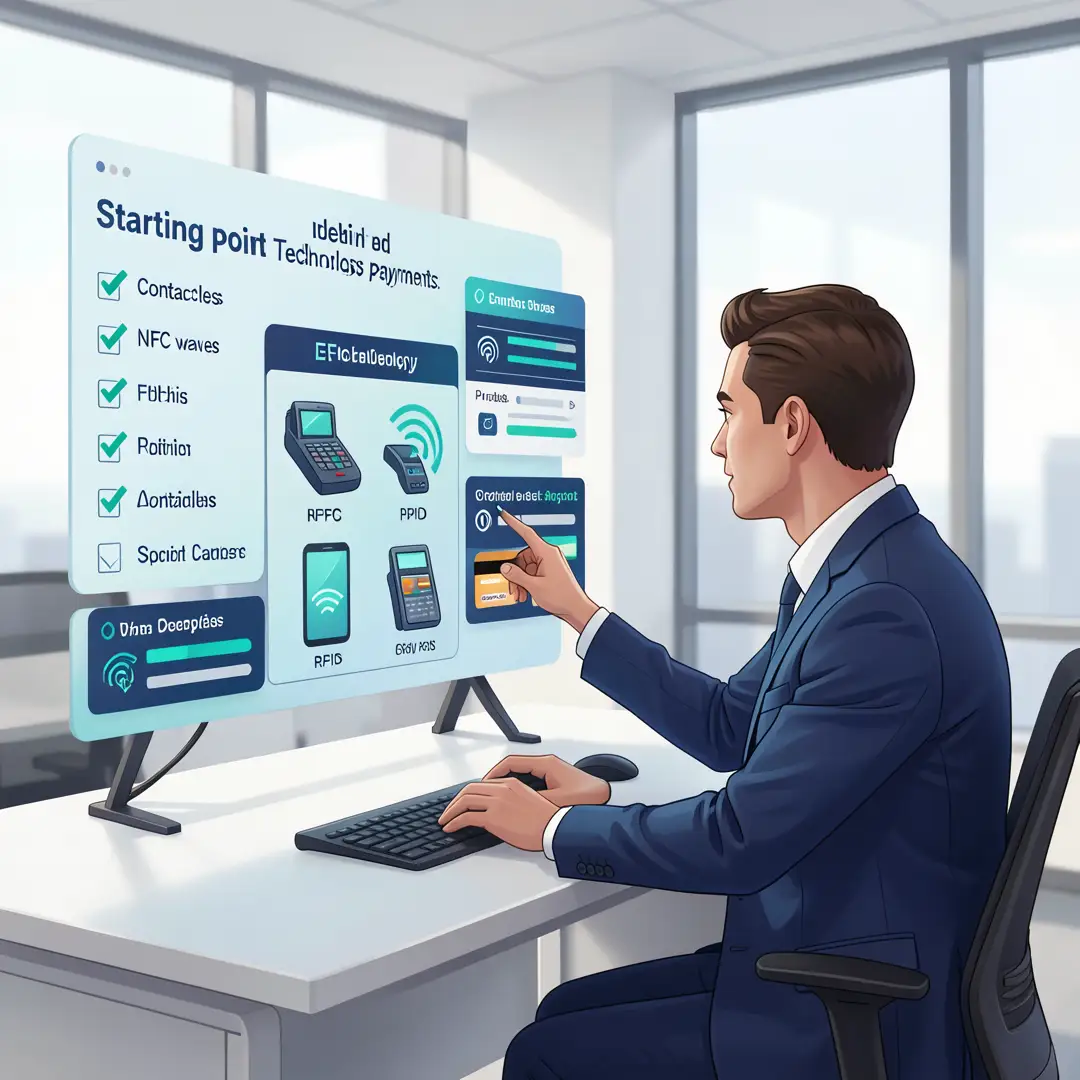
Look at what you already have. Does your debit or credit card support contactless? Is your phone compatible with a mobile wallet? What is your current comfort level with tapping versus inserting? Write down your current habits and any concerns. For example, you might note that you always use a physical card and worry about fraud. That baseline will guide your next choices.
Step 3: Set clear goals
Decide what you want to achieve. Common goals include faster checkout, better security, or simply keeping up with modern payment options. A small business owner might want to accept contactless payments to reduce checkout time. A traveler might want a wallet that works internationally. Be specific. “I want to use my phone for all in-store purchases under $100” is a clear goal. “I want to be more modern” is not.
Step 4: Gather necessary resources
Collect what you need. That may include a smartphone with NFC, a mobile wallet app, your bank’s customer service number, and a secure place to store your device. If you run a business, you will need a contactless-enabled terminal or a payment processor that supports tap-to-pay. Check fees and compatibility before committing. Also gather any documentation about your card’s contactless limits and fraud policies.
Step 5: Apply the core methods
Now put the technology to work. If you are using a card, simply tap it on the terminal and follow the prompts. If you are using a phone, add your card to the wallet, verify it with your bank, and authenticate with your biometric or passcode. Practice in a low-pressure setting, such as a grocery store or coffee shop. Pay attention to the terminal’s lights and sounds. Most terminals show a checkmark and beep once when the payment succeeds. For larger amounts, be ready to enter your PIN.
Step 6: Monitor your progress
After a week or two, review how it went. Check your transaction history for accuracy. Note any failed taps or confusing prompts. Adjust your habits as needed. If you set a goal to use your phone for all small purchases, track how often you actually did so. If you missed, ask why. Was the terminal slow? Did you forget? Small adjustments lead to lasting routines. Reliable information and consistent habits lead to better long-term outcomes.
FAQ
What should I know about The Technology Behind Contactless Payments?
You should know that contactless payments rely on NFC, EMV, and tokenization to complete a transaction in under a second. The short range of NFC prevents accidental charges and makes remote interception difficult. Each tap generates a unique cryptogram, so even if data were somehow captured, it could not be reused. You should also know that contactless payments are generally as secure as chip-and-PIN, and often more secure than handing your card to a cashier. Finally, know your bank’s limits and verification rules, because these determine when you need a PIN or signature.
Who is this guide for?
You now have a solid foundation for The Technology Behind Contactless Payments. Apply the best practices above and revisit this guide as your needs evolve.