
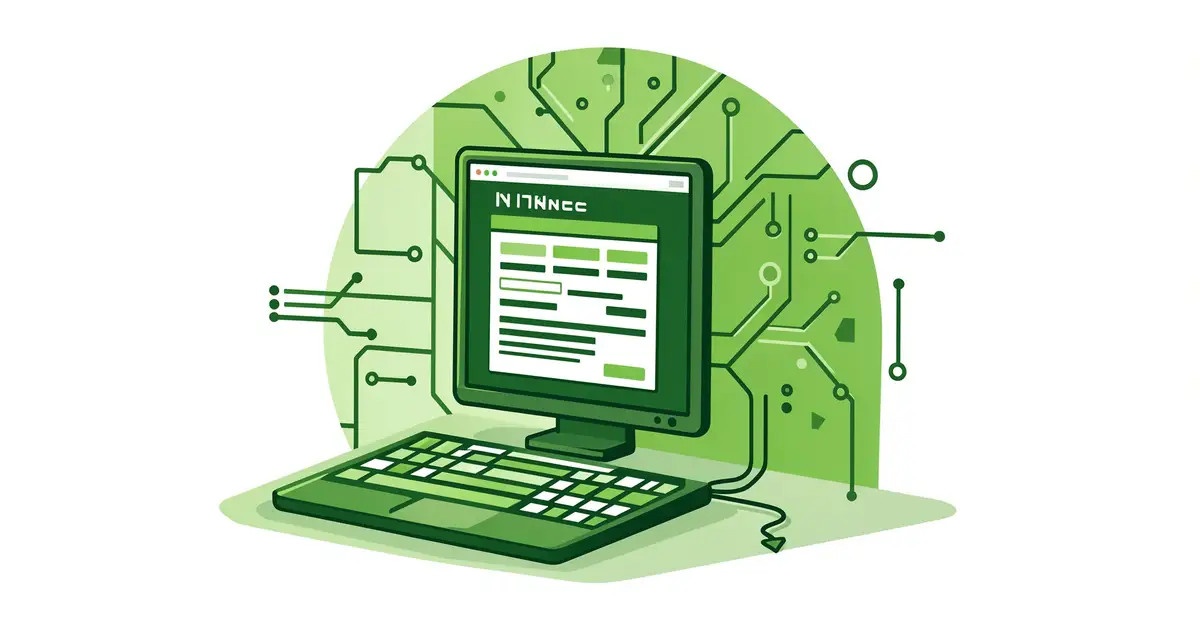
Every search, stream, and stored file consumes energy in data centers and on your devices. Green computing is the practice of designing, using, and disposing of technology in ways that reduce that environmental footprint—without sacrificing performance.
It matters because IT energy demand keeps rising, and small choices add up. From efficient hardware and cloud settings to smarter recycling, this guide explains what green computing is and how you can apply it at home or work.
Introduction
Every time you stream a video, send an email, or ask a smart speaker for the weather, a chain of physical infrastructure hums into action. Data centers, transmission networks, and the device in your hand all consume electricity, require rare materials, and generate heat and electronic waste. Green computing is the practice of reducing that environmental footprint across the entire lifecycle of computing — from design and manufacturing to daily use and eventual disposal.
This article explores What Is Green Computing and Why Does It Matter with clear, practical guidance. Whether you are a student, an IT professional, a small business owner, or simply someone who cares about the planet and their power bill, the principles here apply to you. You do not need to be a sustainability expert to make meaningful changes; you need reliable information and consistent habits.
The stakes are higher than many people realize. The information and communications technology sector accounts for an estimated 1.8 to 3.9 percent of global greenhouse gas emissions — comparable to the aviation industry. Data centers alone consume roughly one percent of the world’s electricity, and that figure is rising with the spread of artificial intelligence, cloud services, and always-connected devices. Meanwhile, e-waste is the fastest-growing waste stream globally, with over 60 million metric tons generated annually and only about 20 percent formally recycled.
Understanding the fundamentals of What Is Green Computing and Why Does It Matter helps you make informed decisions — about the devices you buy, the services you use, and the digital habits you keep. Reliable information and consistent habits lead to better long-term outcomes for your budget, your organization, and the environment.
Key Concepts
Green computing, also called green IT or sustainable computing, rests on a few core ideas. Grasping them makes the rest of the field far easier to navigate.

Lifecycle thinking
Environmental impact is not limited to the electricity a device uses while switched on. A laptop’s carbon footprint includes mining lithium and cobalt, manufacturing chips in energy-intensive fabrication plants, shipping components across continents, and managing the device after it dies. Studies suggest that for many devices, manufacturing accounts for 70 to 80 percent of total lifetime emissions. That is why keeping a device in use longer is often the single most effective green computing action.

Energy efficiency
Energy efficiency means getting more computing work per unit of electricity. It spans hardware (processors that do more per watt), software (code that avoids wasted cycles), and operations (cooling systems, power management, and server utilization). An idle server still draws power; consolidating workloads onto fewer, well-utilized machines is a classic efficiency win.
E-waste and the circular economy
The circular economy aims to keep materials in use through repair, refurbishment, reuse, and recycling rather than the linear “take, make, dispose” model. For computing, that means designing for repairability, extending device lifespans, reselling or donating working equipment, and recycling responsibly through certified programs.
Virtualization and cloud efficiency
Virtualization lets one physical server act as many virtual machines, raising utilization from as low as 10 percent to 60 percent or more. Large cloud providers can also locate data centers where renewable energy is abundant and cooling is cheaper, achieving efficiencies most individual organizations cannot match. The caveat: efficiency gains can be offset by rebound effects if total consumption grows unchecked.
Green software and sustainable design
A growing discipline focuses on writing software that consumes fewer resources — smaller payloads, efficient algorithms, sensible data retention, and carbon-aware scheduling that runs heavy jobs when and where clean energy is plentiful.
Deep Dive
To see why green computing matters, it helps to look at where the impact actually comes from and what the trade-offs look like.
The data center problem — and its progress
Between 2010 and 2020, global internet traffic grew roughly tenfold, yet data center energy use stayed relatively flat. That decoupling happened because of dramatic improvements in chip efficiency, cooling design, and server utilization. Hyperscale operators now measure efficiency with metrics like Power Usage Effectiveness (PUE), where a PUE of 1.1 means only 10 percent of energy goes to overhead like cooling rather than computing. The average enterprise data center, by contrast, often sits above 1.5. The lesson is that efficiency is achievable — but it requires deliberate engineering and measurement.
The embodied carbon blind spot
Organizations often focus on operational emissions (electricity used) while ignoring embodied emissions (those baked into hardware manufacturing). For a typical laptop, embodied carbon dominates. This matters for procurement: buying fewer, longer-lasting, repairable machines can beat buying efficient machines that get replaced every two years.
Why individual habits still count
It is tempting to dismiss personal action when industrial emissions are so large. But individual choices aggregate: consumer demand shapes what manufacturers build, and organizational habits — like leaving hundreds of monitors on overnight — add up to real megawatt-hours. Green computing is not about guilt; it is about eliminating waste, which almost always saves money too.
The rebound effect
Efficiency can backfire if savings encourage more consumption. Cheaper, more efficient cloud storage may lead teams to hoard data they never use. The antidote is pairing efficiency with sufficiency: asking whether a workload, dataset, or device is needed at all.
Best Practices
These practices apply whether you are managing a household, a small office, or an enterprise fleet.
- Extend device lifespan. Aim for four to six years of use for laptops and phones where possible. Replace batteries and storage rather than whole devices.
- Buy refurbished or energy-certified. Look for ENERGY STAR, EPEAT, or TCO Certified labels. Refurbished enterprise gear often offers excellent value and lower embodied carbon.
- Enable power management. Set screens to sleep after a few minutes, enable disk sleep, and turn machines off overnight unless remote access is required.
- Consolidate and virtualize. Reduce the number of physical servers; retire “zombie” servers that no one owns but everyone powers.
- Right-size the cloud. Delete unused storage volumes, snapshots, and idle instances. Turn off non-production environments on nights and weekends.
- Choose efficient data formats and retention policies. Compress media, avoid duplicate files, and set automatic deletion for logs and temp data.
- Recycle responsibly. Use certified e-waste recyclers (R2 or e-Stewards) and wipe data before disposal.
- Measure and report. Track energy use, PUE, device counts, and e-waste volumes. What gets measured gets managed.
- Involve people. A short training session on power settings and printing habits often yields quick, visible savings.
Step-by-Step Guide
If you want to put green computing into practice, follow this sequence. It works for a single person, a team, or an entire organization.
Step 1: Understand the fundamentals
Before changing anything, build a basic mental model. Learn the difference between operational and embodied emissions. Understand that manufacturing often outweighs use-phase energy for end-user devices, while the opposite is true for always-on servers. Familiarize yourself with common metrics: kilowatt-hours (kWh), Power Usage Effectiveness (PUE), and carbon intensity of the local grid. This foundation prevents you from optimizing the wrong thing — for example, replacing efficient devices too early, which increases total impact. Read a few authoritative sources, such as ENERGY STAR guidance or your cloud provider’s sustainability reports, and note the numbers that apply to your context.

Step 2: Assess your starting point
You cannot improve what you have not measured. Take inventory: how many computers, monitors, printers, and servers do you or your organization operate? What are their ages and typical daily usage hours? Collect electricity bills if available, or estimate using manufacturer wattage figures. For cloud workloads, review billing dashboards for storage volumes, idle instances, and data transfer. Document current e-waste practices — where do old devices actually go? A simple spreadsheet is enough. The goal is a baseline snapshot you can compare against later.

Step 3: Set clear goals
Turn your baseline into specific, time-bound targets. Examples: reduce overnight device power draw by 50 percent within three months; extend average laptop refresh cycles from three to five years; cut cloud storage costs and volumes by 20 percent in six months; achieve 100 percent certified e-waste recycling this year. Goals should be ambitious but realistic, and ideally tied to a broader budget or sustainability objective. Write them down and assign an owner for each. Vague intentions like “be greener” rarely survive contact with busy schedules.

Step 4: Gather necessary resources
Identify what you need to execute: power-management tools built into your operating systems, monitoring software, a small budget for smart power strips or energy meters, and access to procurement and facilities teams if you are in an organization. For cloud work, enable native cost and carbon dashboards — several major providers now report estimated emissions per service. Line up a certified e-waste recycler. Finally, secure buy-in: a brief note to leadership or a short team meeting explaining the plan and the expected savings makes implementation far smoother.

Step 5: Apply the core methods
Now execute, starting with the highest-impact, lowest-effort items. Roll out power settings across all machines via group policy or a simple checklist. Decommission zombie servers and idle cloud instances. Cancel unused software subscriptions that run background services. Set up automatic deletion for stale files and logs. Introduce a device reuse policy: redeploy working machines internally before buying new ones. Schedule heavy batch jobs for off-peak hours when grid carbon intensity is lower. Each action should be small enough to complete quickly and visible enough to build momentum.
Step 6: Monitor your progress
Review your metrics monthly or quarterly against the baseline from Step 2. Compare actual electricity use, device counts, cloud spend, and recycling volumes to your goals from Step 3. Celebrate wins and investigate shortfalls — if savings stalled, ask why. Adjust targets as you learn. Over time, fold the successful practices into standard operating procedures so they become habits rather than projects. Reliable information and consistent habits lead to better long-term outcomes, and this monitoring loop is exactly how those habits form.
FAQ
What should I know about What Is Green Computing and Why Does It Matter?
The most important thing to understand is that computing's environmental impact spans the whole lifecycle — manufacturing, use, and disposal — and that the biggest wins often come from extending device lifespans and eliminating waste rather.
You now have a solid foundation for What Is Green Computing and Why Does It Matter. Apply the best practices above and revisit this guide as your needs evolve.