
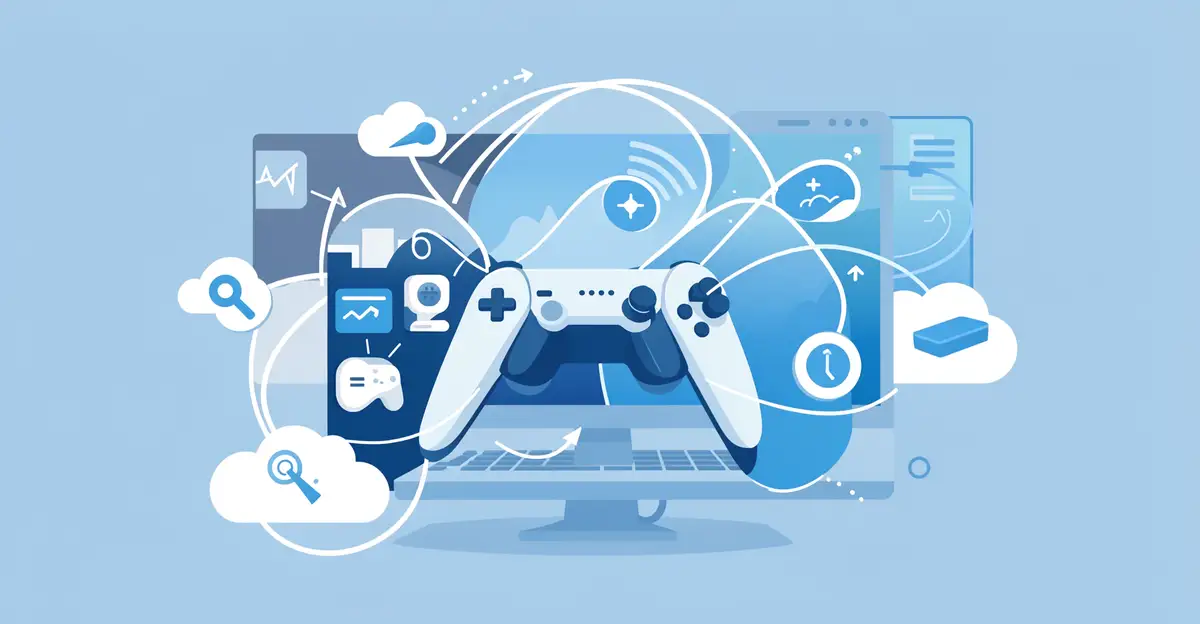
Cloud gaming is quickly reshaping how players access and enjoy their favorite titles. Instead of buying expensive hardware, you can now stream games directly to the devices you already own — a laptop, phone, or smart TV — with nothing more than a stable internet connection.
This shift is more than a convenience. Cloud gaming is changing the gaming industry by lowering costs, widening access, and pushing developers toward new business models. Below, we break down what this means for players and where the technology is headed next.
Introduction
Cloud gaming is one of the most significant shifts in how people access and experience video games since the move from arcades to home consoles. Instead of buying a powerful console or gaming PC, you can now stream games from remote data centers to the device you already own — a laptop, tablet, smartphone, or smart TV. This article explores How Cloud Gaming Is Changing the Gaming Industry with clear, practical guidance, so you can understand what is happening, why it matters, and how to make the most of it.
The global cloud gaming market has grown rapidly, with major platforms like Xbox Cloud Gaming, NVIDIA GeForce Now, PlayStation Plus Premium, and Amazon Luna competing for players. Hardware manufacturers, publishers, and internet service providers are all adjusting their strategies. For you as a player, this means more choice, lower upfront costs, and new questions about performance, ownership, and reliability.
Understanding the fundamentals of How Cloud Gaming Is Changing the Gaming Industry helps you make informed decisions. Whether you are a casual player curious about streaming, a parent evaluating subscription options, or a tech enthusiast tracking industry trends, the information below is designed to be actionable rather than theoretical.
Key Concepts
Before diving into specifics, it helps to define the core ideas that shape cloud gaming. These concepts recur throughout the industry and affect your day-to-day experience.
What cloud gaming actually is
Cloud gaming, sometimes called game streaming, runs the game on a powerful server in a data center. That server renders each frame, encodes it as video, and sends it over the internet to your device. Your controller or keyboard input travels back to the server. Because the heavy processing happens remotely, your local hardware only needs to decode video and send input.
Latency and bandwidth
Two technical factors dominate the experience. Bandwidth determines video quality and resolution; latency (often measured in milliseconds) determines how responsive the game feels. A stable connection matters more than raw speed. A 50 Mbps connection with low jitter often outperforms a 200 Mbps connection that fluctuates.
Subscription versus purchase models
Cloud gaming platforms generally fall into two camps. Some bundle a library of games into a monthly subscription, similar to a streaming service for video. Others let you stream games you already own or purchase individually. Each model has trade-offs in cost, flexibility, and long-term access.
Device independence
The promise of cloud gaming is that the screen you own becomes less important than the connection you have. A phone can play a console-quality title. An older laptop can run a game released this year. This decoupling of hardware and software is a fundamental change for the industry.
- Data centers: Physical locations that host the servers rendering your games.
- Edge computing: Placing servers closer to users to reduce latency.
- Codec efficiency: Compression technology that affects image quality and data use.
- Input lag: The delay between pressing a button and seeing the result on screen.
Deep Dive
The impact of cloud gaming goes well beyond convenience. It reshapes business models, hardware design, and who gets to play.
Shifting power away from console hardware
For decades, console generations defined the industry. Publishers timed releases around new hardware, and players upgraded every five to seven years. Cloud gaming weakens that cycle. If the server hardware is upgraded, players can benefit without buying anything. This pressures console makers to offer services and exclusives rather than relying purely on box sales.
New audiences and accessibility
Cloud gaming lowers the barrier to entry. A player who cannot afford a $500 console or a $1,500 gaming PC can subscribe for a monthly fee and play on a device they already own. This expands the addressable market, particularly in regions where high-end hardware is expensive or unavailable. It also helps players with limited mobility or those who cannot easily use traditional setups.
Challenges the industry still faces
Cloud gaming is not a solved problem. Internet infrastructure varies widely. Data caps can make heavy streaming expensive. Competitive multiplayer games, where every millisecond counts, remain difficult to serve perfectly. Publishers worry about licensing and revenue splits. And players reasonably ask what happens to their library if a service shuts down.
How studios are adapting
Game developers now consider cloud constraints during design. Some build games specifically for streaming, with features that would be impossible on local hardware. Others optimize controls and UI for small screens. The result is a gradual shift in creative priorities, not just distribution.
Reliable information and consistent habits lead to better long-term outcomes. If you understand these dynamics, you can choose services and setups that fit your actual needs instead of chasing marketing claims.
Best Practices
Getting a good cloud gaming experience is less about luck and more about deliberate setup. The following practices apply whether you are trying a free trial or committing to a subscription.
Optimize your network first
Most problems blamed on cloud gaming are actually network problems. Use a wired Ethernet connection when possible. If you must use Wi-Fi, prefer the 5 GHz or 6 GHz band and keep the device close to the router. Close background downloads and streaming apps on other devices while you play.
Choose the right device for the job
A device with a good screen and reliable Wi-Fi chip will outperform a technically more powerful device with poor connectivity. For mobile play, a controller clip or a dedicated mobile controller improves comfort and precision. For TV play, a streaming stick or console app often works better than casting from a phone.
Match the service to your library
Before subscribing, list the games you actually want to play. If they are on one platform, that platform is likely your best choice. If you already own games on a storefront, check whether a service lets you stream those purchases. Avoid paying for overlapping subscriptions.
Manage expectations for competitive play
Cloud gaming works well for single-player, turn-based, and many cooperative games. For fast-twitch competitive shooters or fighting games, local hardware still has an edge. Use cloud gaming for what it does well rather than forcing it into every scenario.
Track your data usage
Streaming at 1080p can use several gigabytes per hour. If you have a data cap, monitor usage and adjust resolution settings. Many services let you lower quality to reduce data consumption, which is a reasonable trade-off on metered connections.
- Test with a free trial before committing to an annual plan.
- Run a latency test to your nearest data center.
- Keep your device’s operating system and app updated.
- Use a wired controller to avoid Bluetooth input delays.
- Schedule heavy streaming outside peak internet hours if your connection slows down.
Step-by-Step Guide
If you want to adopt cloud gaming deliberately, follow this sequence. Each step builds on the previous one and keeps you from wasting money or time.
Step 1: Understand the fundamentals
Start by learning how cloud gaming works, as covered above. Know the difference between streaming a game and downloading it. Understand that your experience depends on latency, bandwidth, and server distance. This baseline knowledge prevents confusion when you compare services or troubleshoot issues.
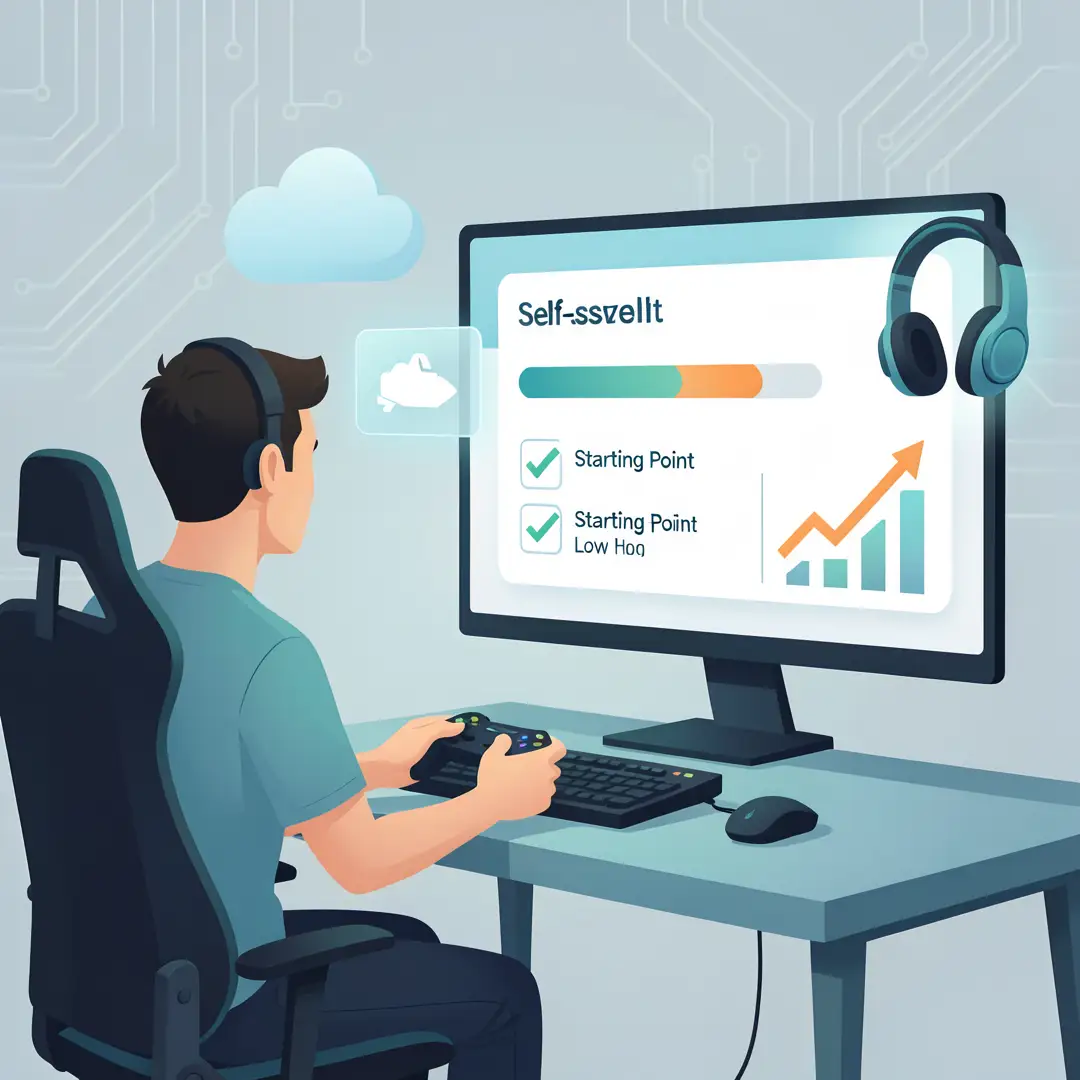
Step 2: Assess your starting point
Evaluate what you already have. What devices do you own? What is your internet speed and stability? Do you have a data cap? What games do you currently play and on which platforms? Write these answers down. A realistic inventory of your current setup is the foundation for every decision that follows.
Step 3: Set clear goals
Decide what you want from cloud gaming. Are you trying to play high-end titles without buying a console? Do you want to game while traveling? Are you looking for a cheaper alternative to upgrading a PC? Your goal determines which service, device, and plan make sense. Vague goals lead to wasted subscriptions.
Step 4: Gather necessary resources
Collect what you need before you start. This may include a compatible controller, a stable Wi-Fi connection or Ethernet adapter, a subscription account, and enough data allowance. If you plan to play on a TV, confirm the app is available on your streaming device. Having these ready avoids frustration on day one.
Step 5: Apply the core methods
Now put the best practices into action. Sign up for a trial, run the service on your preferred device, and test a few different games. Adjust resolution and bitrate settings. Try wired versus wireless. Test at different times of day. This hands-on phase reveals whether the service fits your real-world conditions, not just the ideal ones.
Step 6: Monitor your progress
After a week or two, review your experience. Is input lag acceptable? Are you hitting data caps? Is the game library worth the monthly cost? Are you actually playing more, or has the novelty faded? Use these observations to keep, change, or cancel your setup. Consistent review turns a trial into an informed long-term decision.
FAQ
What should I know about How Cloud Gaming Is Changing the Gaming Industry?
The most important takeaway is that cloud gaming shifts power from local hardware to remote servers and internet connections. This changes what you need to buy, how publishers release games, and who can access them. It does not eliminate consoles or PCs, but it adds a flexible alternative. You should also know that quality depends heavily on your network and proximity to data centers, and that subscription models vary in what they include. Understanding these basics helps you avoid overspending and set realistic expectations.
Who is this guide for?
This guide is for anyone who wants a clear, practical overview of cloud gaming without jargon. That includes casual players curious about streaming, parents comparing subscription options for their households, budget-conscious gamers who want high-end titles without expensive hardware, and readers tracking industry trends. No technical background is required. The steps and best practices are designed to be applied directly, whether you are testing your first service or refining an existing setup.
Conclusion
Cloud gaming is not a passing trend. It is a structural change in how games are delivered, paid for, and played. By understanding the fundamentals, assessing your own setup, setting clear.
You now have a solid foundation for How Cloud Gaming Is Changing the Gaming Industry. Apply the best practices above and revisit this guide as your needs evolve.