
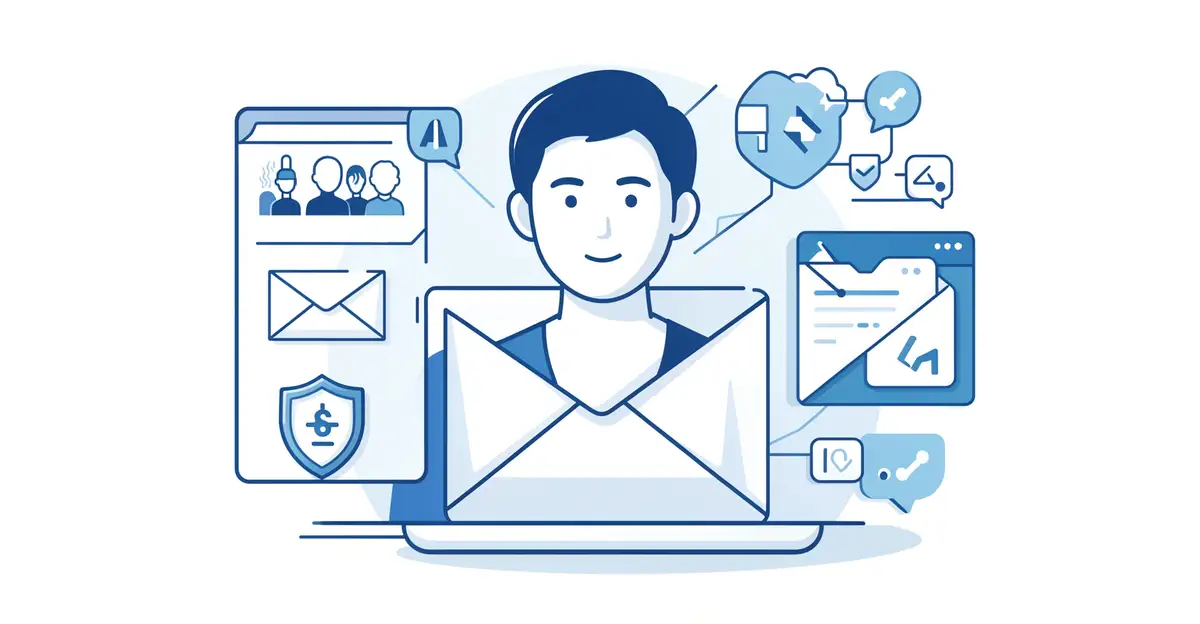
Phishing attacks, business email compromise, and malicious attachments are getting more sophisticated every year. Traditional spam filters struggle to keep pace with attackers who craft convincing messages designed to slip past rule-based defenses. That’s why organizations are turning to artificial intelligence to close the gaps that legacy tools leave behind.
In this article, we’ll explore how AI is improving email security—from behavioral analysis that spots anomalies to real-time threat detection that learns as attacks evolve. Whether you manage IT for a business or simply want to understand the technology protecting your inbox, here’s what you need to know.
Introduction
Email remains the primary attack vector for cybercriminals. According to industry data, over 90% of successful cyberattacks begin with a phishing email. Traditional spam filters, which rely on blocklists and keyword matching, struggle against modern threats that use AI-generated text, polymorphic malware, and compromised legitimate accounts. This article explores how AI is improving email security with clear, practical guidance for individuals and organizations alike.
The shift is significant. Instead of static rules, AI systems learn from billions of messages, identify subtle anomalies, and adapt in real time. Understanding the fundamentals of how AI is improving email security helps you make informed decisions about tools, policies, and training. Reliable information and consistent habits lead to better long-term outcomes—whether you are a solo professional or part of an IT team.
This guide covers key concepts, a deep dive into how AI works in email security, a step-by-step implementation framework, best practices, and answers to common questions. No jargon walls—just actionable knowledge you can apply today.
Key Concepts
Before diving into implementation, you need a shared vocabulary. AI in email security isn’t a single technology; it’s a collection of models and techniques working together.
Natural Language Processing (NLP)
NLP allows AI to understand the meaning and intent of email text. Unlike keyword filters, NLP detects urgency, tone manipulation, and social engineering cues. For example, an email saying “Your account will be closed in 2 hours—click here” triggers a risk score even if no blacklisted words appear.
Machine Learning (ML) Classifiers
ML models are trained on millions of labeled emails—legitimate and malicious. They learn patterns such as sender reputation, header anomalies, link structures, and attachment types. Once trained, they classify new emails as safe, suspicious, or malicious with high accuracy.
Behavioral Analytics
This technique builds a baseline of normal communication patterns for each user. If a colleague who usually emails three times a day suddenly sends 50 emails with attachments to external addresses, the system flags it. Behavioral AI catches account takeovers that signature-based tools miss.
Computer Vision and Link Analysis
AI can “see” logos, QR codes, and fake login pages inside emails or linked websites. It follows URLs in a sandbox, renders the page, and compares it to known brand templates. This detects credential harvesting sites that traditional URL blocklists haven’t yet cataloged.
Anomaly Detection
Instead of looking for known bad, anomaly detection looks for “not normal.” This includes unusual send times, unexpected geographies, or slight variations in display names. AI continuously updates its model of normal, making it resilient to zero-day phishing campaigns.
Deep Dive
How does AI actually improve email security in practice? Let’s examine the workflow inside a modern email security gateway.
Pre-Delivery Analysis
When an email arrives, AI performs dozens of checks in milliseconds. It parses headers for spoofing (SPF, DKIM, DMARC failures). It analyzes the body with NLP for phishing language. It detonates attachments in a sandbox and observes behavior. It expands and scans every URL. It queries sender reputation databases. The combined risk score determines whether the email is delivered, quarantined, or flagged with a warning banner.
Post-Delivery and User Reporting
AI doesn’t stop at the gateway. If a user reports a suspicious email, the system uses that feedback to retrain its models. This creates a continuous improvement loop. Some platforms also scan already-delivered mailboxes for threats that arrived before a signature was available—a process called retroactive remediation.
Account Takeover Detection
Compromised internal accounts are among the hardest threats to stop because the email comes from a trusted sender. AI behavioral analytics detects impossible travel (login from two countries within an hour), unusual email volume, and changes in writing style. The system can automatically lock the account or require re-authentication.
Business Email Compromise (BEC)
BEC attacks rarely contain malware or links. They rely on impersonation and social engineering—”Hi, I’m the CEO, please wire $50,000 today.” AI models trained on BEC-specific patterns examine tone, request type, urgency, and relationship history between sender and receiver. They can flag a message as high-risk even when technical indicators are clean.
Limitations and Human Factors
AI is not perfect. False positives can block legitimate email, causing frustration and lost productivity. Adversaries also use AI to generate more convincing phishing text. The best results come from combining AI with human judgment: clear reporting channels, regular training, and a culture where employees feel safe questioning suspicious messages.
Best Practices
Implementing AI-driven email security requires more than buying a tool. These practices ensure you get real protection without disrupting communication.
- Layer your defenses. Use AI as part of a multi-layered approach that includes SPF, DKIM, DMARC, and attachment sandboxing. No single technology is sufficient.
- Train users continuously. Run simulated phishing campaigns monthly. When someone clicks, show them why the email was suspicious—don’t punish them. AI tools work best when users report real threats.
- Tune the sensitivity. Start with a moderate risk threshold. Review false positives weekly for the first month and adjust. Overly aggressive filtering erodes trust.
- Enable multi-factor authentication (MFA). AI can detect account takeovers, but MFA prevents most of them from succeeding in the first place.
- Monitor and log. Keep audit logs of what AI flagged and what actions were taken. These logs help with incident response and compliance.
- Update regularly. AI models need fresh data. Ensure your vendor updates threat intelligence feeds at least daily.
- Educate on AI-generated phishing. Tell users that perfect grammar and personalization no longer guarantee legitimacy. Verify unusual requests through a second channel (phone call, chat).
- Have an incident response plan. If a malicious email gets through, know who to contact, how to isolate affected accounts, and how to notify users.
Step-by-Step Guide to Improving Email Security with AI
Follow these six steps to move from awareness to implementation. Each step builds on the previous one.
Step 1: Understand the fundamentals
Before evaluating tools, learn how AI detects threats. Read vendor whitepapers, watch demo videos, and understand terms like NLP, behavioral analytics, and sandboxing. You don’t need to become a data scientist, but you should know what questions to ask. For example: Does the system analyze internal emails? How does it handle encrypted attachments? What is the false positive rate?
Step 2: Assess your starting point
Document your current email security stack. Do you have a secure email gateway? What about DMARC? How many users? What is your average email volume? Review past incidents: how many phishing emails got through in the last six months? Survey employees about their confidence in identifying threats. This baseline tells you where AI will add the most value—often in BEC detection or account takeover prevention.

Step 3: Set clear goals
Define what success looks like. Example goals: reduce successful phishing clicks by 50% in three months; cut false positives to under 1% of legitimate email; detect account takeovers within 15 minutes. Write these down and share them with stakeholders. Without measurable goals, you cannot evaluate whether the AI tool is working.
Step 4: Gather necessary resources
You need budget, time, and personnel. AI email security tools range from affordable add-ons for small businesses to enterprise platforms. Allocate at least 20 hours for initial setup and tuning. Identify a project owner—often an IT manager or security lead. If you lack in-house expertise, consider a managed service provider. Also budget for user training and simulated phishing campaigns.
Step 5: Apply the core methods
Deploy the AI tool in monitor-only mode first. Let it classify emails without blocking anything for one to two weeks. Review its decisions daily. Then enable quarantine for high-risk messages. Configure user reporting buttons so employees can flag suspicious emails with one click. Integrate with your SIEM or ticketing system for automated incident creation. Train users on the new reporting process. Finally, enable retroactive scanning to remove threats that arrived before deployment.
Step 6: Monitor your progress
Track key metrics weekly: number of threats blocked, false positive rate, user report rate, and time to remediation. Compare against your goals from Step 3. Hold a monthly review with stakeholders. Adjust thresholds as needed. Celebrate wins—like a month with zero successful phishing clicks—to reinforce positive security culture. AI models improve with feedback, so encourage users to report both false negatives (missed threats) and false positives (blocked legitimate mail).
FAQ
What should I know about How AI Is Improving Email Security?
The most important thing to know is that AI is not a magic bullet—it is a powerful layer that works best alongside traditional defenses and user awareness. AI excels at detecting subtle patterns, zero-day phishing, and account takeovers that rule-based systems miss. However, it can produce false positives, and attackers are increasingly using AI themselves. You should also know that AI models require tuning and feedback. Expect an initial period of adjustment. Finally, AI does not replace the need for MFA, DMARC, or employee training. It amplifies their effectiveness. Understanding the fundamentals of how AI is improving email security helps you make informed decisions rather than chasing hype.
Who is this guide for?
This guide is for anyone responsible for email security—IT administrators, small business owners, managed service providers, and security-conscious individuals. It assumes no deep technical background but provides actionable steps for those who want to implement AI-driven protection. If you are evaluating email security tools, managing a team, or simply want to understand how modern phishing defenses work, this guide is for you. The best practices and step-by-step framework apply to organizations of all sizes, from a five-person startup to a large enterprise. Reliable information and consistent habits lead to better long-term outcomes, and this guide gives you both.
Conclusion
AI is fundamentally changing how we defend against email threats. By understanding key concepts like NLP, behavioral analytics, and anomaly detection, you can cut through vendor noise and choose the right tools. The deep dive showed you how AI works at the gateway, post-delivery, and against account takeovers. Best practices—layering defenses, training users, and monitoring metrics—ensure you get real value. The step-by-step guide gives you a clear path from assessment to ongoing improvement. Remember that AI is a partner, not a replacement, for human vigilance. Start.
You now have a solid foundation for How AI Is Improving Email Security. Apply the best practices above and revisit this guide as your needs evolve.