
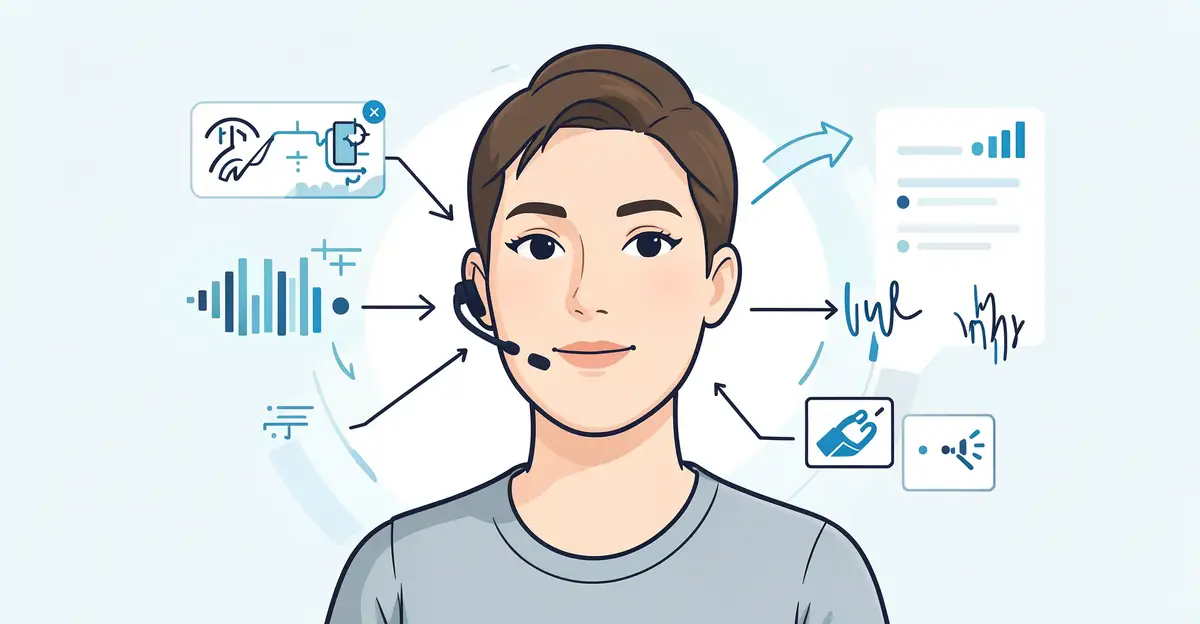
Voice recognition technology has quietly become part of everyday life, from asking your phone for the weather to dictating a text message. But how does a machine actually turn the sound of your voice into words it can understand and act on?
In this article, we break down how voice recognition technology understands human speech—step by step, in plain language. You’ll learn what happens from the moment you speak to the moment your device responds, plus practical tips to get more accurate results.
Introduction
Voice recognition technology has quietly become part of everyday life. When you ask a smart speaker to play a song, dictate a text message, or navigate a call center menu by speaking, you are relying on a complex pipeline of signal processing, statistical modeling, and machine learning. This article explores How Voice Recognition Technology Understands Human Speech with clear, practical guidance. The goal is not to turn you into an engineer, but to help you understand what happens between the moment you speak and the moment a device acts on your words.
Understanding the fundamentals of How Voice Recognition Technology Understands Human Speech helps you make informed decisions. Whether you are choosing a dictation tool for work, evaluating a voice-enabled product, or simply curious about why your assistant sometimes mishears you, the same principles apply. Reliable information and consistent habits lead to better long-term outcomes, both in how you use these systems and in how you judge their limitations.
This guide is written for general readers who want clear, actionable information. We will cover the key concepts, walk through a step-by-step approach to improving your own voice interactions, discuss best practices, and answer common questions. By the end, you should be able to explain, in plain language, how a machine turns sound waves into meaning.
Key Concepts
At its core, voice recognition technology converts acoustic signals into text or commands. This process is often called automatic speech recognition, or ASR. It involves several distinct stages, each with its own challenges.

Audio Capture and Preprocessing
Everything starts with a microphone. The microphone converts sound pressure waves into an electrical signal, which is then digitized. Preprocessing cleans this signal by removing background noise, normalizing volume, and filtering out frequencies that are irrelevant to speech. A common technique is converting the audio into a spectrogram, a visual representation of frequency over time. This makes it easier for algorithms to spot patterns.
Acoustic Modeling
The acoustic model maps short slices of audio, often 10 to 25 milliseconds, to phonemes. Phonemes are the smallest units of sound that distinguish words, like the “b” in “bat” versus the “p” in “pat.” Modern systems use deep neural networks to perform this mapping. These networks learn from thousands of hours of labeled speech, so they can recognize sounds even when they vary by accent, speed, or pitch.
Language Modeling
Acoustic models alone are not enough because many words sound similar. The language model predicts which word sequences are likely in a given language. For example, after hearing “I scream,” a language model may favor “ice cream” if the context is about dessert. This statistical layer uses large text corpora to assign probabilities to word combinations, resolving ambiguity.
Decoding and Output
The decoder combines acoustic and language model scores to produce the most likely transcription. It searches through many possible word sequences and selects the best one. In command-based systems, the output may be an action rather than text, such as “turn on the lights.” The final result is then passed to an application, like a messaging app or a smart home controller.
Speaker Variability and Adaptation
No two voices are identical. Factors like age, gender, regional accent, and even a cold can change how speech sounds. Voice recognition systems handle this through adaptation. Some systems ask you to read a few phrases to create a voice profile. Others adapt continuously as you use them, learning your pronunciation patterns over time.
Deep Dive
To truly understand how voice recognition works, it helps to look at the technology’s evolution and the challenges it still faces.
From Hidden Markov Models to Deep Learning
Early voice recognition systems in the 1970s and 1980s relied on template matching and simple pattern recognition. By the 1990s, hidden Markov models (HMMs) became standard. HMMs model speech as a sequence of states, each corresponding to a sound. They worked reasonably well for limited vocabularies but struggled with noisy environments and natural conversation.
The 2010s brought a revolution with deep learning. Recurrent neural networks (RNNs) and later transformers allowed systems to process longer context and learn complex patterns directly from data. Today, end-to-end models can map audio directly to text without separate acoustic and language models, though many production systems still use hybrid approaches for flexibility.
Why Context Matters
Human speech is full of homophones, contractions, and filler words. Consider the sentence “I’ll have the read book.” Without context, “read” could be present or past tense. A good language model uses surrounding words to decide. It also handles disfluencies like “um” and “uh” by either ignoring them or tagging them for later removal.
Context also includes the domain. A medical dictation system needs a different vocabulary than a customer service bot. Many modern systems allow domain-specific language models, which boost accuracy for specialized terms.
The Role of Noise and Distance
Background noise is one of the biggest obstacles. A noisy café, a moving car, or a crowded room can degrade accuracy. Noise suppression algorithms and microphone arrays help. Microphone arrays use multiple microphones to locate the speaker and beamform, meaning they amplify sound from one direction and reduce it from others. This is why smart speakers often have four or more microphones.
Distance also matters. Far-field recognition, where the speaker is several feet away, is harder than near-field, where you speak directly into a phone. Far-field systems rely on echo cancellation and dereverberation to counteract room reflections.
Privacy and Ethical Considerations
Voice data is sensitive. Many systems process audio locally on the device, while others send it to the cloud. Always-on microphones raise privacy concerns. Reputable products include wake words, mute buttons, and clear data retention policies. As a user, you should know whether your voice recordings are stored, for how long, and who can access them.
Accuracy Metrics
Word error rate (WER) is the standard metric. It measures the percentage of words incorrectly recognized. A WER of 5% means one in twenty words is wrong. For clean, read speech, top systems achieve WERs below 3%. For conversational speech with background noise, WER can rise to 10% or more. Understanding these numbers helps you set realistic expectations.
Best Practices
You do not need to be a developer to get better results from voice recognition. A few habits can make a noticeable difference.
- Speak clearly and at a moderate pace. Rushing or mumbling increases errors. Natural, steady speech works best.
- Reduce background noise. Close windows, turn off TVs, or use a headset with a noise-canceling microphone.
- Position microphones properly. For phone dictation, hold the device about six inches from your mouth. For smart speakers, stay within the recommended range, usually 10 to 15 feet.
- Use wake words consistently. If your device uses a wake word, say it clearly and pause briefly before your command.
- Train your voice profile. If the system offers voice training, do it. It improves accuracy for your unique speech patterns.
- Correct errors when prompted. Many systems learn from corrections. If you can, confirm or edit misrecognized text.
- Keep software updated. Voice models improve with updates. Install them when available.
- Check privacy settings. Review what data is stored and disable cloud processing if you prefer local-only recognition.
These practices apply whether you are using a smart assistant, a transcription service, or a voice-controlled application. Consistency matters more than any single trick.
Step-by-Step Guide to Improving Voice Recognition Results
The following steps provide a practical path to better voice interactions and a deeper understanding of the technology.
Step 1: Understand the fundamentals
Before you can improve anything, learn the basics. Voice recognition turns sound into text through audio capture, acoustic modeling, language modeling, and decoding. Each stage can introduce errors. Knowing this helps you diagnose problems. For example, if your device mishears similar-sounding words, the language model may need more context or a domain-specific vocabulary. If it struggles in noise, the preprocessing stage is the likely culprit. Spend a little time reading about ASR concepts or watching explainer videos. This foundational knowledge makes every later step easier.
Step 2: Assess your starting point
Evaluate your current setup. What device or software are you using? What is your environment like? Test the system with a few standard phrases. Note the error rate and the conditions under which errors occur. Are you in a quiet room or a busy office? Are you using a built-in microphone or an external one? Write down your observations. This baseline will help you measure improvement later. For instance, if you notice that errors spike when you speak quickly, pace becomes a priority.
Step 3: Set clear goals
Define what success looks like for you. Your goal might be to dictate a 500-word email with fewer than five errors. Or it might be to control your smart home reliably from across the room. Goals should be specific and measurable. Instead of “I want better accuracy,” aim for “I want 95% accuracy for my daily dictation.” Clear goals keep you focused and let you track progress objectively. They also help you decide when to invest in better equipment or software.
Step 4: Gather necessary resources
Collect the tools and information you need. This may include an external microphone, a noise-canceling headset, or a pop filter. It could also mean upgrading to a subscription transcription service with better language models. Read user reviews and compare features. Check whether the system supports your accent or specialized vocabulary. If privacy is a concern, look for offline processing options. Having the right resources reduces frustration and improves results from the start.
Step 5: Apply the core methods
Now put best practices into action. Speak clearly, reduce noise, and position microphones correctly. Use wake words with a brief pause. Train your voice profile if available. Correct errors as they happen. If you are using a command system, learn the exact phrases it supports, because many systems have specific syntax. For dictation, speak punctuation aloud if the system supports it, for example, saying “period” or “new line.” Apply these methods consistently for at least a week before judging results.
Step 6: Monitor your progress
Track your accuracy over time. Keep a simple log of errors and the conditions that.
You now have a solid foundation for How Voice Recognition Technology Understands Human Speech. Apply the best practices above and revisit this guide as your needs evolve.