
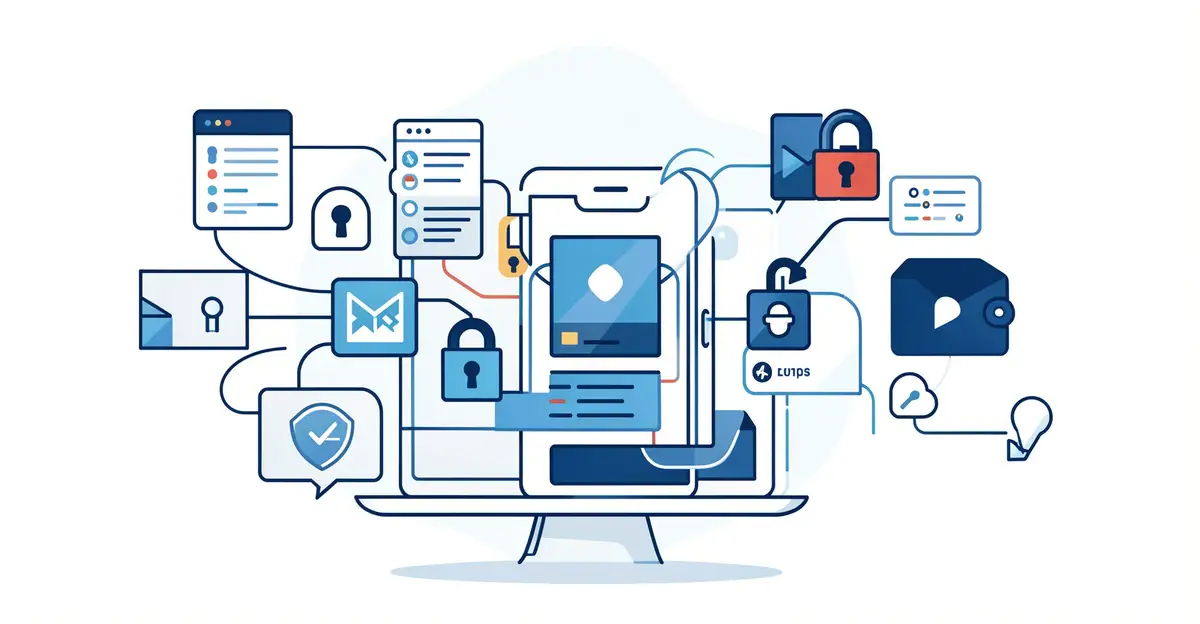
Every day, you share sensitive information online — from bank details to private messages. Without strong protection, that data can be intercepted, stolen, or misused. That is where the role of encryption in protecting digital data becomes essential, turning readable information into unreadable code that only authorized parties can unlock.
In this article, we break down how encryption works, why it matters for your privacy, and the practical steps you can take to secure your own data. Whether you are a casual user or a business owner, understanding encryption is the first step toward staying safe in a connected world.
Introduction
Every time you send a message, pay a bill online, or unlock your phone, encryption is working quietly in the background. It is one of the most important technologies of the digital age, yet most people interact with it dozens of times a day without noticing. This article explores The Role of Encryption in Protecting Digital Data with clear, practical guidance you can apply immediately, whether you are protecting personal photos, running a small business, or simply trying to understand what happens when a website shows a padlock icon.
Encryption is the process of converting readable information into an unreadable form so that only authorized parties can access it. Without it, any data traveling across a network or stored on a device is essentially an open book to anyone with the right tools. Understanding the fundamentals of The Role of Encryption in Protecting Digital Data helps you make informed decisions about which tools to use, which services to trust, and how to respond when something goes wrong.
The stakes are easy to underestimate. A single unencrypted laptop can expose years of personal or customer records. An unprotected Wi-Fi connection can leak passwords in real time. Reliable information and consistent habits lead to better long-term outcomes, and encryption sits at the center of both. The goal here is not to turn you into a cryptographer but to give you a working knowledge that translates into everyday action.
Key Concepts
Before diving into tools and tactics, it helps to understand the vocabulary. Encryption is built on a few core ideas, and once these click, the rest of the field becomes far less intimidating.

Plaintext and ciphertext
Plaintext is the original, readable data — an email, a document, a photo. Ciphertext is what that data looks like after encryption: a scrambled string of characters that reveals nothing without the correct key. The transformation is reversible only with the key, which is why key management matters as much as the encryption itself.

Symmetric and asymmetric encryption
Symmetric encryption uses a single key to both lock and unlock data. It is fast and efficient, which makes it ideal for encrypting large files and full disk drives. Asymmetric encryption uses a pair of keys: a public key anyone can use to encrypt a message, and a private key only the recipient holds to decrypt it. This approach powers secure websites and digital signatures, where two parties need to communicate without ever sharing a secret in advance.
Encryption in transit vs. at rest
Data is either moving or sitting still. Encryption in transit protects information as it travels across networks — for example, HTTPS on a website or a VPN on public Wi-Fi. Encryption at rest protects data stored on a device or server, such as a locked phone or an encrypted cloud backup. A complete security posture addresses both, because attackers can strike at either stage.
Keys, certificates, and trust
Encryption only works if the keys stay secret and the identities involved are verified. Digital certificates, issued by trusted authorities, confirm that a website or service is who it claims to be. This is the trust layer that makes e-commerce and online banking possible. If a certificate is forged or expired, your browser warns you — and you should take that warning seriously.
Deep Dive
The practical value of encryption becomes clear when you look at where it protects you and where gaps remain. Modern encryption standards like AES-256 and TLS 1.3 are considered strong enough that brute-force attacks are impractical with current technology. The weak points are rarely the math; they are human choices, misconfigured systems, and lost keys.
Consider messaging. End-to-end encrypted apps ensure that only the sender and recipient can read a conversation, even the service provider cannot. That is a meaningful upgrade over standard transport encryption, which protects data in transit but leaves it readable on the server. For sensitive conversations, the distinction matters.
Consider storage. Full-disk encryption on a laptop means that if the device is stolen, the thief cannot read the files without your password. Without it, removing the drive and connecting it to another machine is often enough to access everything. This is one of the highest-value, lowest-effort steps most people can take.
Consider backups. An encrypted backup protects against both device loss and cloud breaches. However, if you lose the encryption key or password, the data is gone permanently. Recovery keys should be stored somewhere safe and separate from the device they protect — a written copy in a locked drawer, for instance, or a password manager with a strong master password.
Encryption also has limits. It does not stop malware that captures data before it is encrypted, nor does it prevent someone with legitimate access from misusing it. It is a critical layer, not a complete solution. Pairing it with strong passwords, multi-factor authentication, and regular software updates creates defense in depth — the principle that no single failure should expose everything.
Regulations increasingly reflect this reality. Laws like GDPR and HIPAA require appropriate safeguards for personal and health data, and encryption is often the clearest way to demonstrate compliance. For businesses, that means encryption is not just good practice; it can be a legal expectation. For individuals, it is simply prudent self-defense.
Step-by-Step Guide
The following steps turn encryption from an abstract concept into a set of habits. Work through them in order, and you will build a practical, sustainable approach.
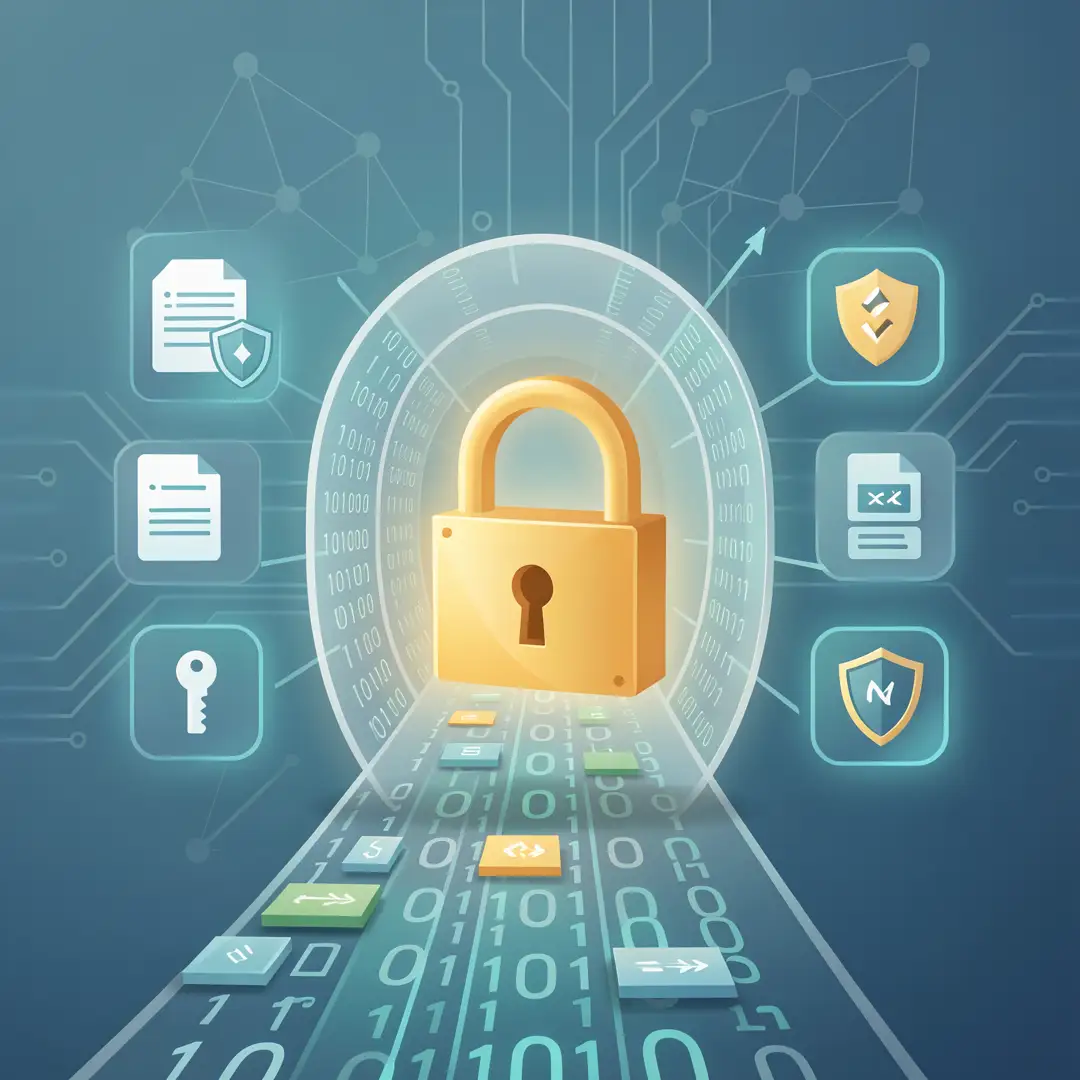
Step 1: Understand the fundamentals
Start by mapping where your data lives. List the devices you use daily — phone, laptop, tablet — and the services that hold your information, such as email, cloud storage, and banking apps. Identify which data is sensitive: financial records, health information, personal photos, work documents. You do not need to encrypt everything, but you should know what matters. This inventory becomes the foundation for every decision that follows.

Step 2: Assess your starting point
Check what protection you already have. On your phone, look for device encryption in the security settings; most modern smartphones encrypt by default when a passcode is set. On your computer, check whether full-disk encryption is enabled — BitLocker on Windows, FileVault on macOS, and LUKS on Linux. Review your browser’s address bar: sites using HTTPS show a padlock. Audit your messaging apps to see which offer end-to-end encryption. This assessment reveals gaps without requiring any purchases or technical expertise.
Step 3: Set clear goals
Define what success looks like for you. A reasonable starting goal might be: all personal devices encrypted, all important accounts using multi-factor authentication, and sensitive files stored in encrypted folders or containers. For a small business, goals might include encrypted backups, HTTPS on the company website, and a policy for handling customer data. Write these goals down with target dates. Specific, modest goals are far more likely to be achieved than vague ambitions.

Step 4: Gather necessary resources
Most encryption tools are free and built into the systems you already own. Enable BitLocker or FileVault through system settings. Use a reputable password manager to generate and store strong passwords and recovery keys. For file-level protection, tools like VeraCrypt create encrypted containers that behave like regular drives. For messaging, choose apps with end-to-end encryption enabled by default. For websites, a free TLS certificate from a provider like Let’s Encrypt is standard practice. You do not need expensive software to be well protected.
Step 5: Apply the core methods
Now put the tools to work. Turn on full-disk encryption first, since it protects everything else. Set a strong passcode or password, and store the recovery key somewhere safe. Next, secure your accounts with a password manager and enable multi-factor authentication wherever it is offered. Move sensitive files into encrypted containers or encrypted cloud storage. Switch routine communications to end-to-end encrypted apps. If you run a website, confirm it is served over HTTPS and that certificates renew automatically. Work through this list methodically rather than all at once.
Step 6: Monitor your progress
Encryption is not a one-time task. Review your setup every few months. Check that software updates are installed, because updates often patch security flaws. Confirm that backups are still encrypted and that recovery keys remain accessible to you. If you add a new device or service, bring it into the same framework. Keep a simple checklist so that nothing quietly falls out of compliance. Consistent habits matter more than any single tool.
Best Practices
Beyond the step-by-step process, a handful of habits separate people who are genuinely protected from those who merely think they are.
- Use strong, unique passwords. Reusing passwords means one breach can cascade across accounts. A password manager solves this by generating and storing long, random credentials.
- Enable multi-factor authentication. Even if a password is stolen, a second factor such as an authenticator app blocks most account takeovers.
- Keep software updated. Updates close security holes that attackers actively exploit. Enable automatic updates where possible.
- Back up your encryption keys. Store recovery keys offline in a secure location. Losing them can mean permanent data loss.
- Prefer end-to-end encrypted services. For messaging and sensitive file sharing, choose tools where the provider cannot read your data.
- Be cautious on public Wi-Fi. Use a reputable VPN or stick to HTTPS sites, especially for banking or work.
- Encrypt before you share. When sending sensitive files, encrypt them first and share the password through a separate channel.
- Review permissions and access. Regularly remove old devices and unused apps from accounts that hold your data.
These practices reinforce one another. Encryption protects data, but it depends on good password hygiene and timely updates to remain effective. Treat them as a package rather than isolated tips.
FAQ
What should I know about The Role of Encryption in Protecting Digital Data?
The most important thing to understand is that encryption protects data both when it is moving across networks and when it is stored on devices. It works by scrambling information so that only someone with the correct key can read it. You do not need to.
You now have a solid foundation for The Role of Encryption in Protecting Digital Data. Apply the best practices above and revisit this guide as your needs evolve.