
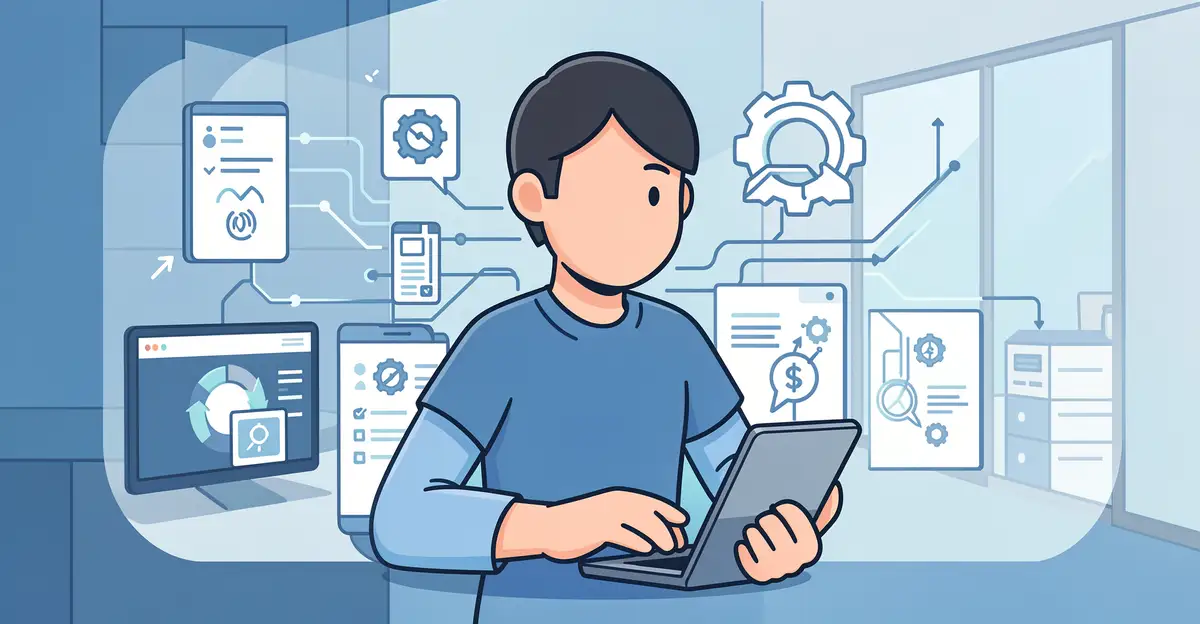
Data breaches are no longer a rare headline—they are a constant risk for businesses and individuals alike. Every stolen record can mean financial loss, damaged trust, and regulatory penalties, which is why prevention matters more than ever.
Fortunately, modern security tools are getting smarter. In this article, we’ll explore how technology helps prevent data breaches through encryption, real-time monitoring, and employee training—practical steps you and your organization can start using today.
Introduction
Every time you shop online, check a bank balance, or send an email, you create a digital footprint. That footprint is valuable — and criminals know it. A data breach occurs when unauthorized individuals access, steal, or expose sensitive information such as passwords, credit card numbers, medical records, or private messages. The consequences range from financial loss to reputational damage that can take years to repair.
Technology alone cannot eliminate every risk, but it has become the most powerful tool we have for preventing breaches before they happen. From encryption that scrambles data so thieves cannot read it, to artificial intelligence that spots suspicious activity in real time, modern defenses are evolving faster than most attack methods. This article explores How Technology Helps Prevent Data Breaches with clear, practical guidance. Whether you are an individual protecting a home network or a professional responsible for organizational security, understanding the fundamentals helps you make informed decisions. Reliable information and consistent habits lead to better long-term outcomes.
Key Concepts
Before diving into specific tools, it helps to understand a few core ideas that underpin nearly every breach-prevention technology.
Encryption
Encryption converts readable data into an unreadable format that only someone with the correct decryption key can reverse. If attackers intercept encrypted data — whether in transit across a network or at rest on a server — they see nothing but gibberish. Today, encryption protects everything from messaging apps to cloud storage. When evaluating any service, look for end-to-end encryption, which means only you and the intended recipient hold the keys.
Multi-Factor Authentication (MFA)
Passwords alone are fragile. People reuse them, choose weak ones, and fall for phishing tricks. Multi-factor authentication adds a second proof of identity — a code from an app, a fingerprint, or a hardware key. Even if a criminal steals your password, they cannot log in without that second factor. MFA is one of the single most effective technological barriers against account takeover, which is often the first step in a larger breach.
Firewalls and Network Segmentation
A firewall acts as a gatekeeper between your network and the outside world, blocking unauthorized traffic based on rules. Network segmentation divides a network into smaller zones, so if one zone is compromised, the attacker cannot move freely to other parts. Think of it as watertight compartments on a ship — a leak in one does not sink the whole vessel.
Intrusion Detection and Prevention Systems
These systems monitor network traffic for signs of malicious activity, such as unusual data transfers or repeated login failures. Detection systems alert administrators; prevention systems can automatically block the traffic. Modern versions use machine learning to recognize patterns that human analysts might miss.
Endpoint Security
Every laptop, phone, and server is an endpoint — a potential entry point. Endpoint security software watches for malware, unauthorized changes, and suspicious behavior on each device. It often includes antivirus, anti-ransomware, and device management features.
Deep Dive
Understanding individual technologies is useful, but the real power comes from how they work together. A layered defense — often called defense in depth — means that if one control fails, others still stand. Here is how the pieces fit.
Consider a typical breach attempt. An attacker sends a phishing email to an employee. The employee clicks a link and lands on a fake login page. Without MFA, the attacker steals the password and logs in. With MFA, the login attempt stalls because the attacker cannot provide the second factor. Suppose the attacker instead installs malware. Endpoint security detects the malicious file and quarantines it. If the malware still runs, encryption prevents it from reading sensitive files. If data is exfiltrated, intrusion detection flags the unusual outbound traffic and blocks it. Each layer buys time and creates another obstacle.
Technology also addresses the human element, which is often the weakest link. Security awareness training platforms simulate phishing attacks and track who clicks. Password managers generate and store strong, unique passwords so people do not reuse the same one across dozens of sites. Automated patch management ensures that software vulnerabilities — the holes attackers exploit — are closed quickly, without relying on employees to remember manual updates.
Artificial intelligence and behavioral analytics represent the cutting edge. Instead of relying on known signatures of malware, these systems learn what normal looks like for a user or network. If an accountant suddenly downloads gigabytes of customer data at 3 a.m., the system flags it. This approach catches novel attacks that traditional tools miss. However, AI is not magic — it requires clean data, tuning, and human oversight to avoid false alarms.
Cloud security has become its own discipline. As more data moves to services like Google Workspace, Microsoft 365, and AWS, misconfigurations — not sophisticated hacking — cause many breaches. Cloud access security brokers (CASBs) and cloud security posture management (CSPM) tools automatically scan for settings that expose data, such as publicly readable storage buckets. They enforce policies consistently across all cloud accounts.
Finally, backup and recovery technology deserves attention. Ransomware attacks often succeed not just by encrypting data but by destroying backups. Immutable backups, which cannot be altered or deleted for a set period, ensure that organizations can restore operations without paying a ransom. Testing those backups regularly turns a theoretical safety net into a practical one.
Best Practices
Technology is only as effective as the habits surrounding it. These best practices help you get the most from your tools.
- Enable MFA everywhere. Start with email, banking, and cloud accounts. Use an authenticator app or hardware key rather than SMS codes, which can be intercepted.
- Keep software updated. Turn on automatic updates for operating systems, browsers, and apps. Most breaches exploit known vulnerabilities that already have patches.
- Use a password manager. Let it create long, random passwords. You only need to remember one strong master password.
- Encrypt sensitive data. Use full-disk encryption on laptops and phones. For files shared externally, use encrypted archives or secure file-transfer services.
- Apply the principle of least privilege. Give users only the access they need to do their jobs. Review permissions regularly and revoke them when roles change.
- Segment your network. Keep guest Wi-Fi separate from internal systems. Isolate critical servers from general employee devices.
- Monitor and log activity. Enable logging on critical systems. Review alerts promptly — an unread alert is as good as no alert.
- Train people regularly. Run phishing simulations and short refresher sessions. Technology cannot stop someone who willingly hands over credentials.
- Test your backups. Restore a file or system every few months to confirm the process works under pressure.
- Develop an incident response plan. Know who to call, what to disconnect, and how to communicate if a breach occurs. Practice it.
Step-by-Step Guide
If you are starting from scratch or rebuilding a security program, follow these steps in order. They apply to individuals, small businesses, and large teams alike.
Step 1: Understand the fundamentals
Before you buy tools or change settings, learn what you are protecting and why. Identify the types of data you hold — personal information, financial records, intellectual property — and where it lives. Understand common attack methods like phishing, ransomware, and credential stuffing. This knowledge helps you prioritize. A hospital, for example, must protect patient records above all; a small shop may care most about payment data. Write down your top three concerns. That clarity will guide every decision that follows.
Step 2: Assess your starting point
You cannot improve what you have not measured. Conduct a simple inventory of your devices, accounts, and software. Note which ones store sensitive data. Check current defenses: Is MFA enabled? Are operating systems up to date? Do you have antivirus or endpoint protection? Are backups running? For organizations, a formal risk assessment can reveal gaps, but even a spreadsheet works for individuals. Rate each area as strong, weak, or unknown. Unknown is the most dangerous category — it means you are exposed without knowing it.
Step 3: Set clear goals
Goals turn vague intentions into action. Good goals are specific and time-bound. Examples: “Enable MFA on all email accounts by the end of the month,” “Patch every server within 48 hours of a critical update,” or “Test one backup restore each quarter.” Avoid goals like “be more secure” — they cannot be measured. Prioritize goals that address your highest risks from Step 2. If you handle payment cards, for instance, encrypting card data should come before adding a new monitoring tool.
Step 4: Gather necessary resources
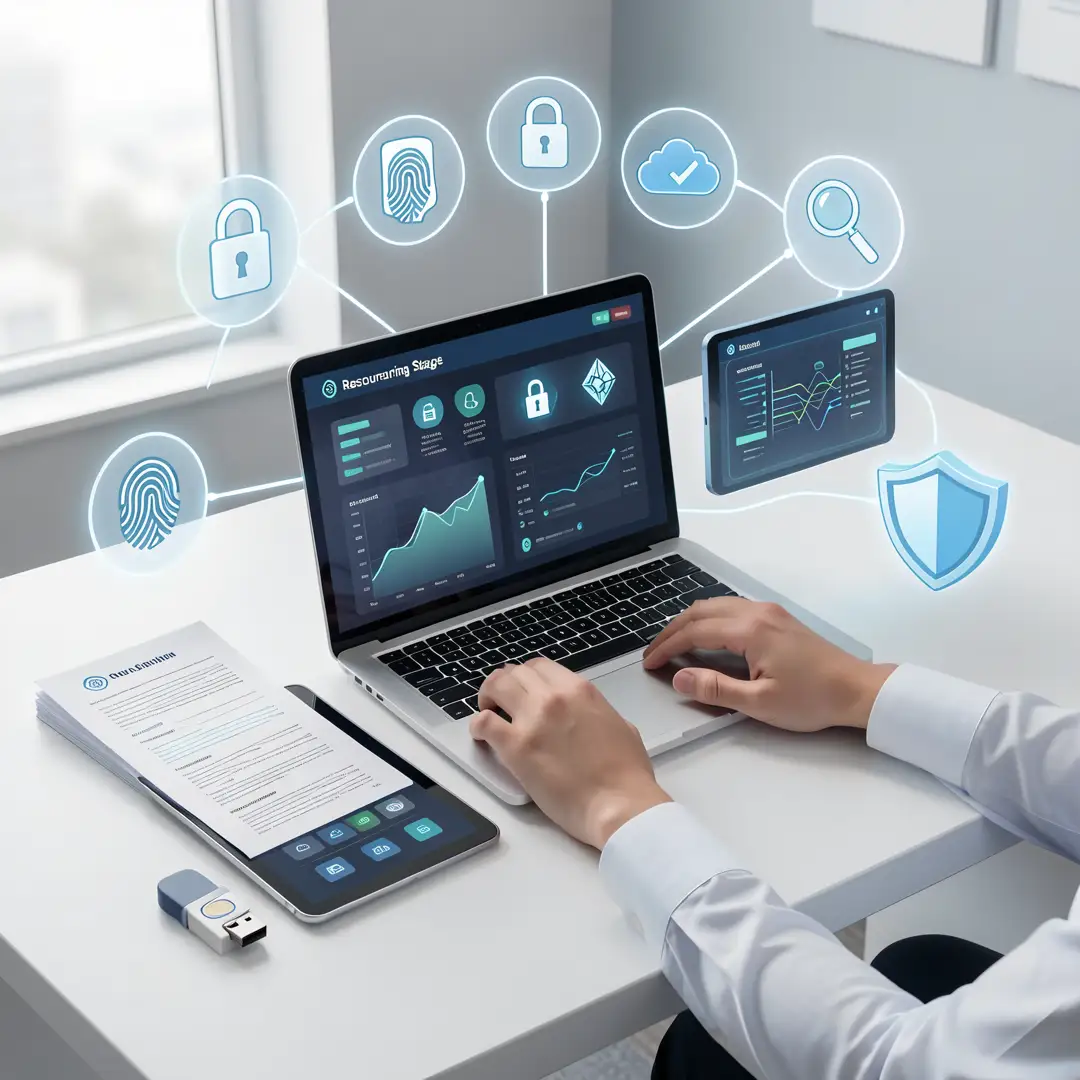
Resources include budget, people, and tools. You do not need an enterprise budget to make progress. Free and low-cost options exist: password managers offer free tiers, MFA apps cost nothing, and many operating systems include built-in firewalls and encryption. For organizations, identify who will own security tasks — it may be a dedicated role or a shared responsibility. Allocate time for training. If budget allows, invest first in endpoint protection, backup solutions, and a reputable password manager. Document what you choose and why, so future decisions have context.
Step 5: Apply the core methods
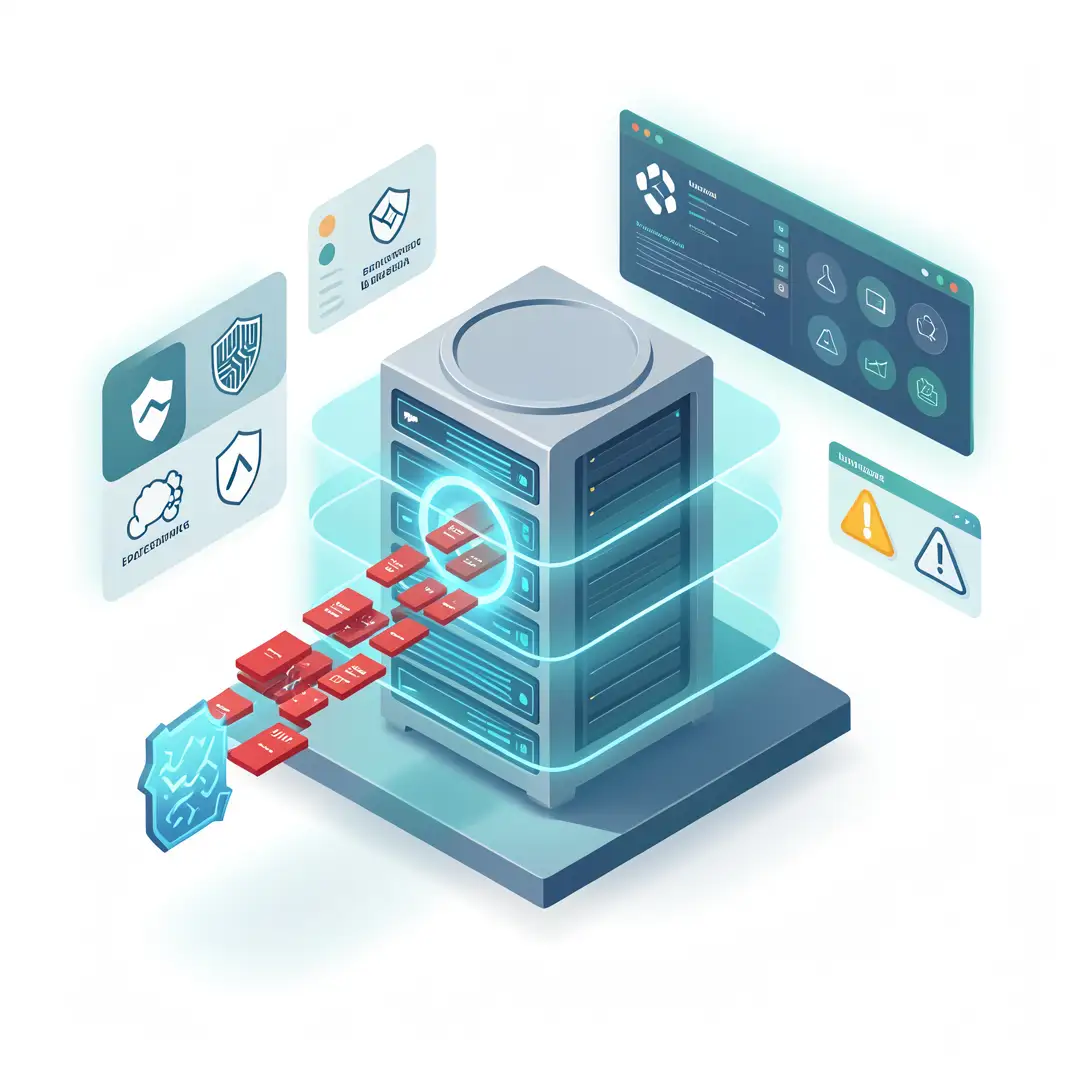
Now put your plan into action. Start with the highest-impact changes: enable MFA, update software, turn on encryption, and configure backups. Then layer on additional controls like network segmentation, intrusion detection, and least-privilege access. Roll out changes in phases to avoid overwhelming yourself or your team. Communicate clearly — people resist changes they do not understand. For each tool, write a short one-page guide covering what it does, how to use it, and who to contact for help. Test each control after deployment to confirm it works as intended.
Step 6: Monitor your progress
Security is not a one-time project. Set a recurring schedule to review logs, check for failed updates, and confirm backups. Track your goals from Step 3 — are you meeting them? If not, why? Use metrics like percentage of accounts with MFA, average time to patch, and number of phishing simulations passed. Celebrate improvement, but stay skeptical of perfect scores. Attackers adapt, and so must you. Schedule a deeper review every six to twelve months to reassess risks, retire outdated tools, and adopt new ones that address emerging threats.
FAQ
What should I know about How Technology Helps Prevent Data Breaches?
You now have a solid foundation for How Technology Helps Prevent Data Breaches. Apply the best practices above and revisit this guide as your needs evolve.