
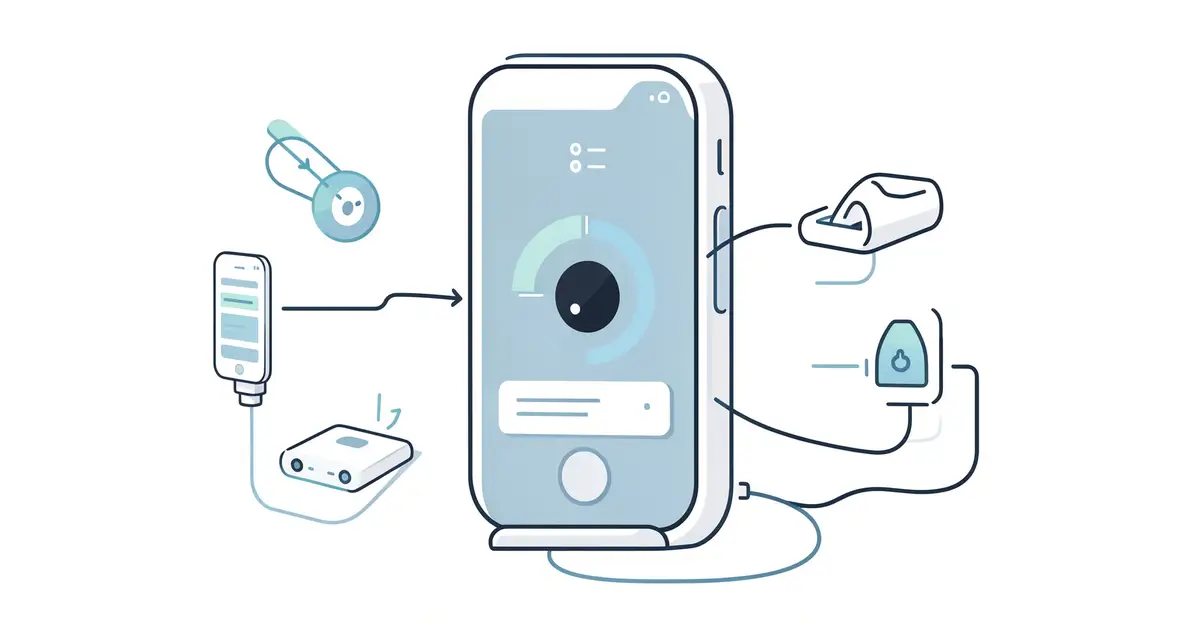
Smart sensors are quietly powering many of the devices you rely on every day, from your smartphone and smartwatch to home thermostats and car safety systems. They detect changes in motion, temperature, light, pressure, and more, then send that data to a processor that decides what to do next.
Understanding how smart sensors are used in modern devices helps you choose better products, troubleshoot issues, and see where technology is heading. In this guide, we break down common sensor types, real-world examples, and practical ways they improve daily life.
Introduction
Smart sensors are the silent engines behind the modern device revolution. From the phone in your pocket to the thermostat on your wall, these tiny components collect data, interpret their surroundings, and trigger actions without you ever pressing a button. If you have ever wondered how your fitness tracker knows you climbed a flight of stairs, or how your car detects a pedestrian before you do, the answer almost always traces back to a smart sensor.
This article explores How Smart Sensors Are Used in Modern Devices with clear, practical guidance. You will learn what makes a sensor “smart,” where these devices show up in daily life, and how to evaluate them when you are shopping for new technology. Understanding the fundamentals of How Smart Sensors Are Used in Modern Devices helps you make informed decisions, whether you are buying a smartwatch, setting up a home security system, or simply trying to make sense of the specs on a product box.
Reliable information and consistent habits lead to better long-term outcomes. That principle applies to technology just as it does to health or finance. By the end of this guide, you will be able to look at a device and understand not just what it does, but how and why it does it.
Key Concepts
Before diving into specific applications, it helps to understand a few core ideas. A sensor is a component that detects a physical property—temperature, motion, light, pressure, sound—and converts it into an electrical signal. A smart sensor goes further. It includes onboard processing, often a microcontroller, and sometimes wireless communication. That means it can filter noise, make simple decisions, and send only relevant data to a larger system.

What Makes a Sensor “Smart”?
The term “smart” is not just marketing. A smart sensor typically has three additional capabilities beyond a basic sensor:
- Signal processing: It can clean up raw data, remove false readings, and convert analog signals into digital form.
- Embedded logic: It can apply simple rules, such as triggering an alert only when motion is detected for more than two seconds.
- Communication: It can transmit data via Bluetooth, Wi-Fi, Zigbee, or other protocols to a hub, phone, or cloud service.
This combination allows a single small chip to do work that once required a separate computer. That is why your smartphone can count your steps, measure ambient light, and detect face orientation all at once.

Common Types of Smart Sensors
- Accelerometers and gyroscopes: Measure movement and orientation. Used in phones, drones, game controllers, and wearables.
- Proximity sensors: Detect nearby objects without touch. Used to turn off your phone screen during a call.
- Ambient light sensors: Adjust screen brightness automatically.
- Temperature and humidity sensors: Found in smart thermostats, weather stations, and HVAC systems.
- Pressure sensors: Measure force or altitude. Used in tire pressure monitoring, altimeters, and touch screens.
- Chemical and gas sensors: Detect specific molecules. Used in air quality monitors and carbon monoxide alarms.
- Biometric sensors: Measure heart rate, blood oxygen, or fingerprint patterns.
Each type follows the same basic principle: convert a physical change into a digital signal, then act on it. The difference is in the calibration and the software that interprets the data.
Deep Dive
Now let us look at how smart sensors are actually used in modern devices across several domains. This is where the abstract becomes practical.
Smartphones and Wearables
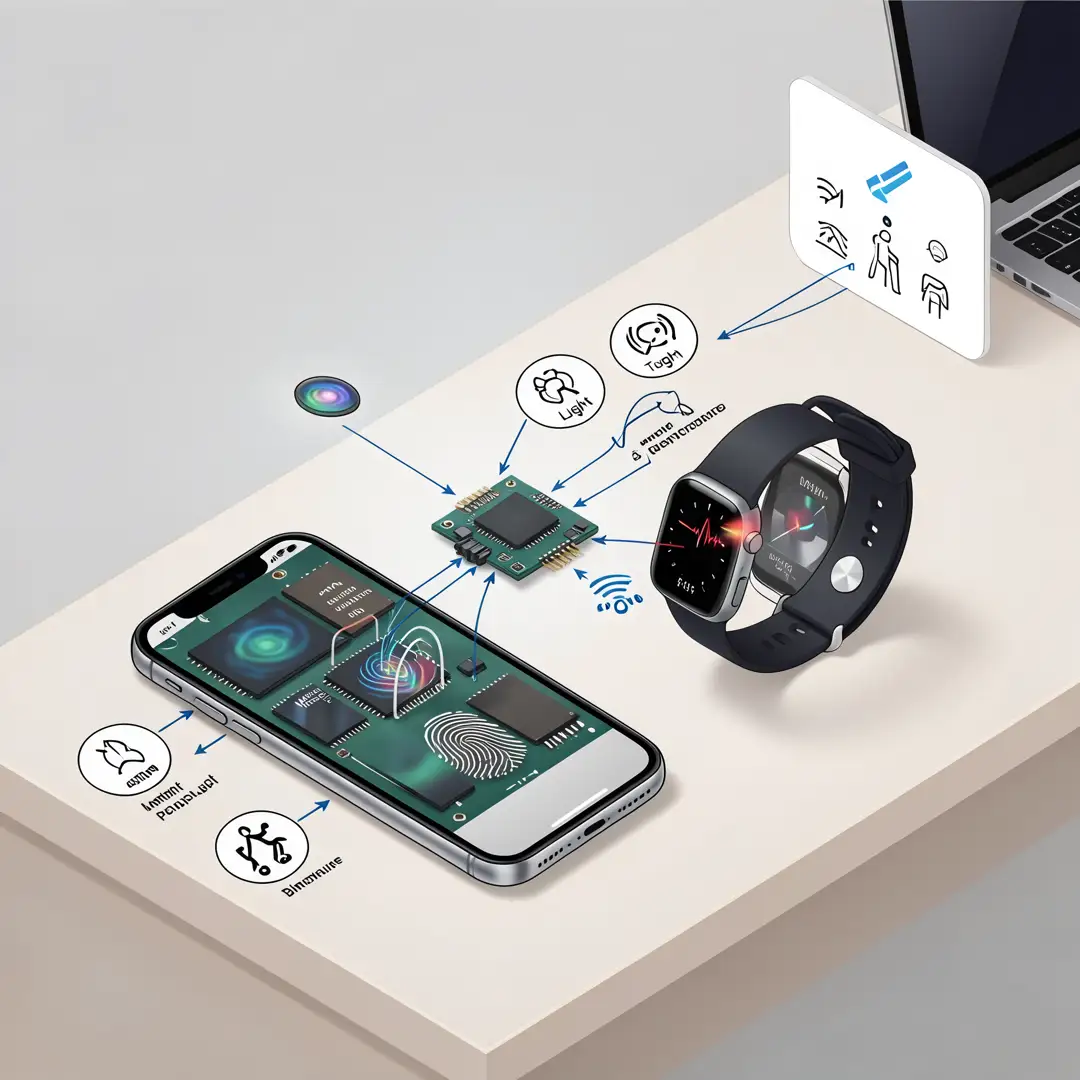
Your smartphone contains more than a dozen smart sensors. The accelerometer detects when you rotate the screen. The gyroscope tracks orientation for augmented reality apps. The magnetometer acts as a compass. The barometer measures altitude for fitness tracking. The proximity sensor turns off the touchscreen when you hold the phone to your ear. None of these work in isolation; the phone’s processor fuses data from multiple sensors to produce a reliable result. Wearables like smartwatches add heart rate monitors, electrodermal activity sensors, and blood oxygen sensors. These devices use onboard algorithms to detect irregular heart rhythms or sleep stages, then send only summary data to your phone.
Smart Homes
In a smart home, sensors form a mesh network. Motion sensors detect occupancy and trigger lights. Door and window sensors report open or closed states. Temperature and humidity sensors feed data to smart thermostats, which learn your schedule and adjust heating or cooling automatically. Water leak sensors sit near washing machines and water heaters, sending an alert to your phone before damage spreads. Smoke and carbon monoxide detectors now combine multiple sensing elements and use algorithms to reduce false alarms. The key insight is that these devices do not just sense; they communicate and cooperate.
Automotive and Transportation
Modern cars are rolling sensor platforms. Radar, lidar, ultrasonic sensors, and cameras work together for adaptive cruise control, lane-keeping assist, and automatic emergency braking. Tire pressure monitoring systems use small battery-powered sensors inside each wheel. Parking sensors use ultrasonic pulses to measure distance. In electric vehicles, current and voltage sensors monitor battery health. The data from these sensors feeds into electronic control units that make split-second decisions. As vehicles become more autonomous, the number and sophistication of sensors increase.
Healthcare and Fitness
Medical devices rely heavily on smart sensors. Continuous glucose monitors use enzyme-based sensors to track blood sugar in real time. Pulse oximeters measure oxygen saturation through light absorption. Wearable ECG patches detect arrhythmias over days or weeks. In hospitals, smart beds use pressure sensors to prevent bedsores, and infusion pumps use flow sensors to deliver precise medication doses. The trend is toward smaller, wireless, and more accurate sensors that patients can wear at home.
Industrial and Environmental Monitoring
In factories, vibration sensors predict machine failures before they happen. Temperature and pressure sensors keep chemical processes within safe limits. In agriculture, soil moisture sensors control irrigation. Air quality sensors in cities track pollution levels and feed public health alerts. These applications show how smart sensors turn raw physical data into actionable intelligence.
Best Practices
If you are selecting, installing, or using devices with smart sensors, follow these guidelines to get the most value and avoid common pitfalls.
- Understand the measurement principle. Know what the sensor actually measures. A “motion sensor” might use passive infrared, microwave, or ultrasonic technology. Each has different strengths and failure modes.
- Check calibration and accuracy specs. A cheap sensor may drift over time. Look for devices that state accuracy ranges and offer recalibration.
- Consider the update rate. A sensor that reports every minute is fine for temperature but useless for gesture recognition. Match the sampling rate to your use case.
- Plan for power and connectivity. Battery life depends on how often the sensor communicates. Use low-power protocols like Bluetooth Low Energy or Zigbee where appropriate.
- Protect privacy and security. Smart sensors collect data about your home, health, and habits. Choose devices with encryption and clear data policies. Change default passwords and keep firmware updated.
- Test in the real environment. A sensor that works on a lab bench may fail in a noisy kitchen or a cold garage. Always validate in the actual location.
- Use data fusion when possible. Combining two or more sensors reduces false positives. For example, a security system that requires both motion and door contact is more reliable than one that uses only motion.
Step-by-Step Guide to Working with Smart Sensors
Whether you are building a project, buying a device, or simply trying to understand your existing gadgets, this six-step process will help you proceed methodically.

Step 1: Understand the fundamentals
Start by learning what a smart sensor is and what it is not. Read the product documentation or datasheet. Identify the sensing element, the processing unit, and the communication method. Know the difference between resolution (smallest detectable change) and accuracy (closeness to true value). Understand that all sensors have limitations—temperature drift, noise, range limits—and that no sensor is perfect. This foundational knowledge prevents unrealistic expectations and helps you interpret readings correctly.

Step 2: Assess your starting point
Take stock of what you already have. If you are evaluating a new smart home device, list your existing hubs, protocols, and apps. If you are designing a system, inventory your power sources, network bandwidth, and physical space. Identify any gaps. For example, if you want to monitor air quality but your home only has Wi-Fi, you may need a Zigbee bridge. Knowing your starting point saves time and money later. Also consider your own technical comfort level. Some sensors require configuration; others are plug-and-play.
Step 3: Set clear goals
Define what you want the sensor to accomplish. “I want to know if someone enters my backyard” is a clear goal. “I want a smart home” is not. Write down specific outcomes: detect motion within 10 meters, send an alert within 5 seconds, last 6 months on a battery. Goals should be measurable and tied to a real need. This step also helps you decide whether a single sensor or a network of sensors is appropriate. Clear goals make it easy to evaluate success later.

Step 4: Gather necessary resources
Collect everything you need before you start. This includes the sensors themselves, power supplies, mounting hardware, network credentials, and any software or apps. If you are building a custom solution, gather development boards, cables, and documentation. If you are installing a consumer device, download the companion app and create an account in advance. Read reviews and watch tutorials to anticipate common problems. Having resources ready reduces frustration and ensures you can complete the setup in one session.
Step 5: Apply the core methods
Now put the sensor to work. Follow the manufacturer’s installation instructions carefully. Mount the sensor in a location that matches its design—for example, a passive infrared motion sensor should not face a window with moving trees. Power it on and pair it with your hub or phone. Configure the sensitivity, update rate, and notification settings to match your goals from Step 3. Test the sensor with controlled stimuli: wave your hand, open a door, change the temperature. Verify that it detects what it should and ignores what it should not. If it fails, adjust placement or settings and test again.
Step 6: Monitor your progress
You now have a solid foundation for How Smart Sensors Are Used in Modern Devices. Apply the best practices above and revisit this guide as your needs evolve.